
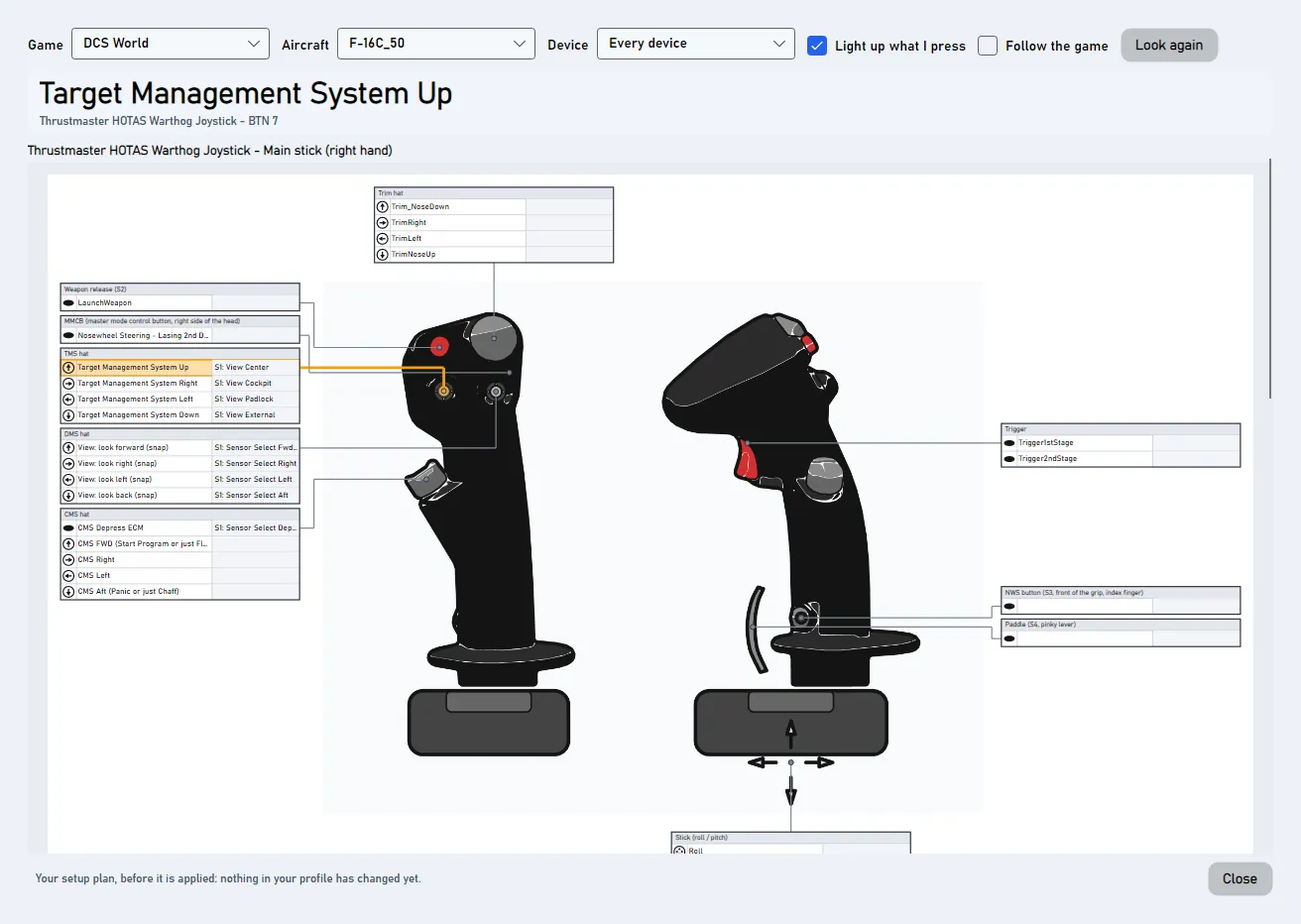
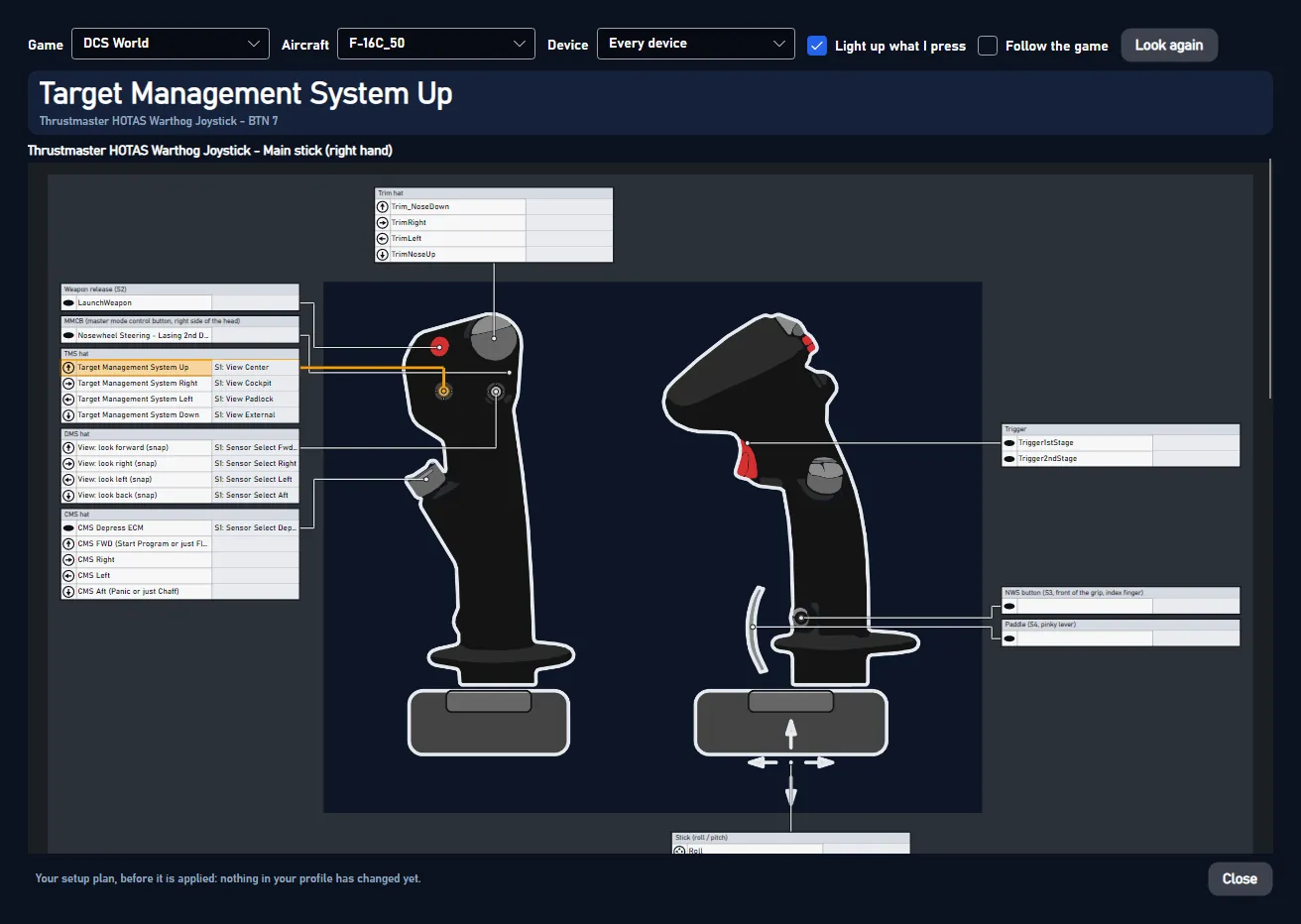
Where is what? opens a window with all your devices. Next to each button it says what the button does in your game. Press a button on your stick, and its row lights up. Its function shows in big letters at the top.
#Open it
You find Where is what? in four places:
- on the Start page,
- at the top right of the Layout page,
- in the setup's last step (before anything changes, it shows the plan),
- in the tray menu (the small JoyPro icon next to the clock).
#Use it
- Pick a Game. Only games with binds on your devices are listed.
- Pick an Aircraft (DCS). Games with one setup for the whole game have no aircraft list.
- Pick a Device, or keep every device.
- Press a button, move an axis or a hat. Its row lights up.
Follow the game switches to the game you play. In DCS it also switches to the aircraft you fly.
Put the window on a second monitor. Next time it opens there again, with the same size, game and aircraft.
Changed a button? Press Look again. The window reads your binds again.
#Details
- Light up what I press is on by default. JoyPro reads your devices only while the window is open and not minimized.
- One device alone gets the whole window. That is easier to read from a distance.
- While a setup plan waits to be applied, the window shows that plan. Otherwise it shows your profile.
- Left open when JoyPro closes, the window comes back at the next start.
- The Layout page shows one device at a time, with pictures and markers you can edit.
#Behind the window
Window Views/LayoutWindow.axaml, command OpenLayoutWindowCommand (Layout page), OpenLayoutPreviewCommand (Start
page) and ShowLayoutPreviewCommand (setup review). Follow the game uses JoyPro's DCS hook for the aircraft;
other games are found by their running program every 10 seconds. After a moment without input the devices are read
only every 250 ms.