
G-Rebels is a cyberpunk flight combat game on Unreal Engine 5: you fly a VTOL over megacities. The game puts each joystick you switch on onto a channel (0 to 5) and keeps the role of every axis (pitch, roll, yaw, thrust, strafe, up / down) and the button binds per channel in two save files. JoyPro reads those roles and binds into your profile and writes them back; keyboard, gamepad and mouse stay as the game has them.
G-Rebels native (its own bind files)
- Support
- native (its own bind files)
- Engine command
engine grebels- Bind file
%LOCALAPPDATA%\G_Rebels\Saved\SaveGames\SaveOptions.sav(GVAS, axis roles in place) +EnhancedInputUserSettings.sav(buttons)- Inputs the game reads
- reads 96 buttons, 24 axes, no hats per joystick (documented)
- Command list from
- JoyPro's own table (axis roles, buttons)
- In-game test
- 18/18 steps passed (2026-10-11)
- ✓ Import
- ✓ Export
- ✗ Keyboard binds
- ✗ Modifiers
- ✓ Command list built on your PC
- ✓ Game watcher
- ✗ Axis curves and dead zonesG-Rebels: invert only.
- ✗ Game control settings
- ✗ In-game force feedback settings
- ✗ Force feedback from telemetry
- ✗ Telemetry recording
- ✓ Virtual joystick (vJoy)
- ◐ Virtual Xbox pad
- ✓ Virtual functions
- ◐ Setup wizard / Auto Assign
- ✗ Cockpits
- ✓ Cheat sheets
- ✓ In-game test
From the support matrix, generated from the engine’s code: all games.
#Get it working in 3 steps
- Set it all up for me
on the Start page - Use these buttons
look at the list first - Write to my game
keep G-Rebels closed
Before, once per device in the game: give it a channel under OPTIONS > INPUT > DEVICES. Change one axis role on its JST tab. Bind one button. (Details below.)
Then: your binds show on the device's JST tab.
Did you bind buttons in G-Rebels before? Then the Start page offers Import, then fill the gaps. Your binds stay, and only free buttons get new jobs. See Quick start: make my stick work.
#What JoyPro does for G-Rebels
- Import: the axis roles of every channel (which stick axis is pitch, roll, yaw, thrust, side strafe, up / down), with invert, and the button binds JoyPro knows, come into your profile on your real devices.
- Relations: "Pitch" in G-Rebels can be the same relation as pitch in your other games.
- Export: JoyPro sets the axis roles and button binds on the channels of your devices. It never adds a channel or a device: that part you do once in the game.
#Import your G-Rebels binds
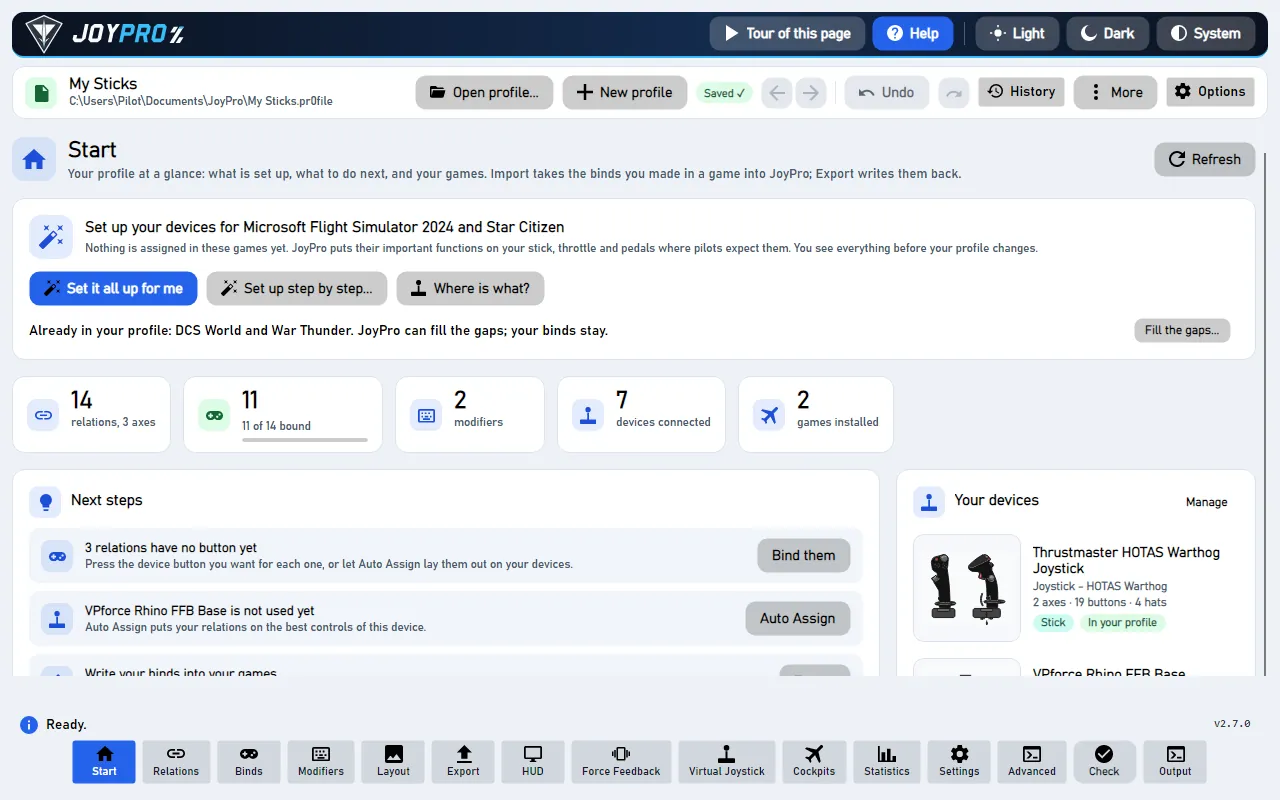
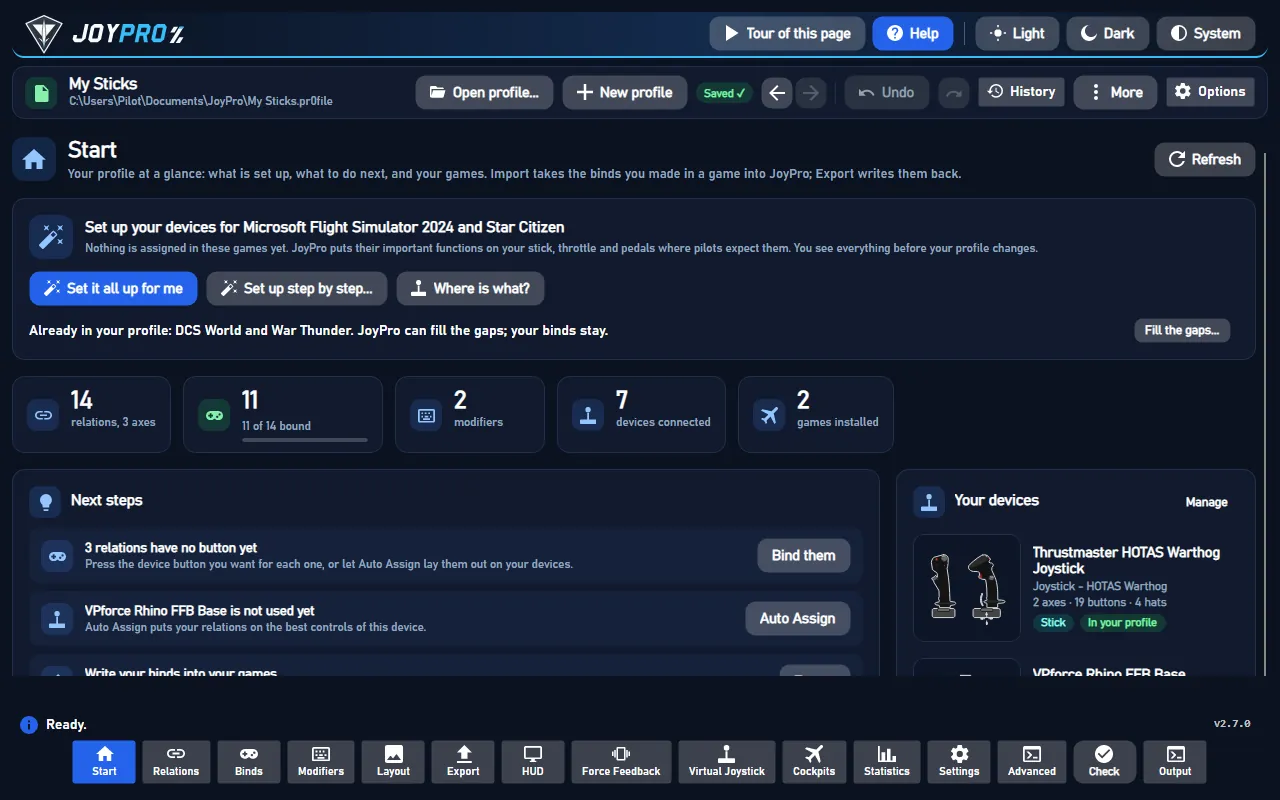
- Open Start. If the G-Rebels card asks for a command list, press Build List: JoyPro writes its own table of the game's axis roles and buttons.
- Press Import on the G-Rebels card, keep Add to my profile (recommended) and press Import now.
- See my relations opens what came in.
#Build and check relations
Bind your relations to the G-Rebels actions on the Relations page (see the relations flow), then run Check on the Export page. G-Rebels allows one role per axis and one button per action and channel; the Check shows where two relations want the same input.
#Export to G-Rebels
- Close G-Rebels. JoyPro refuses to write while the game runs.
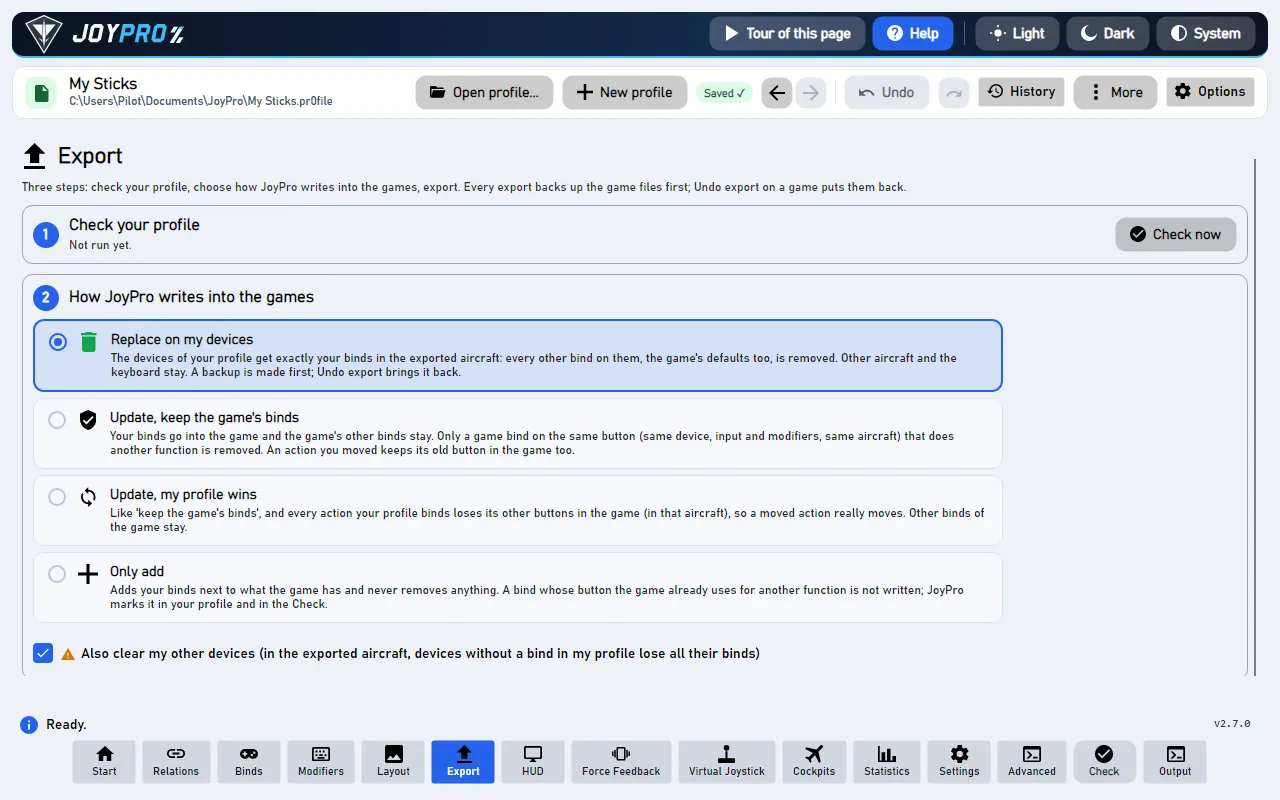
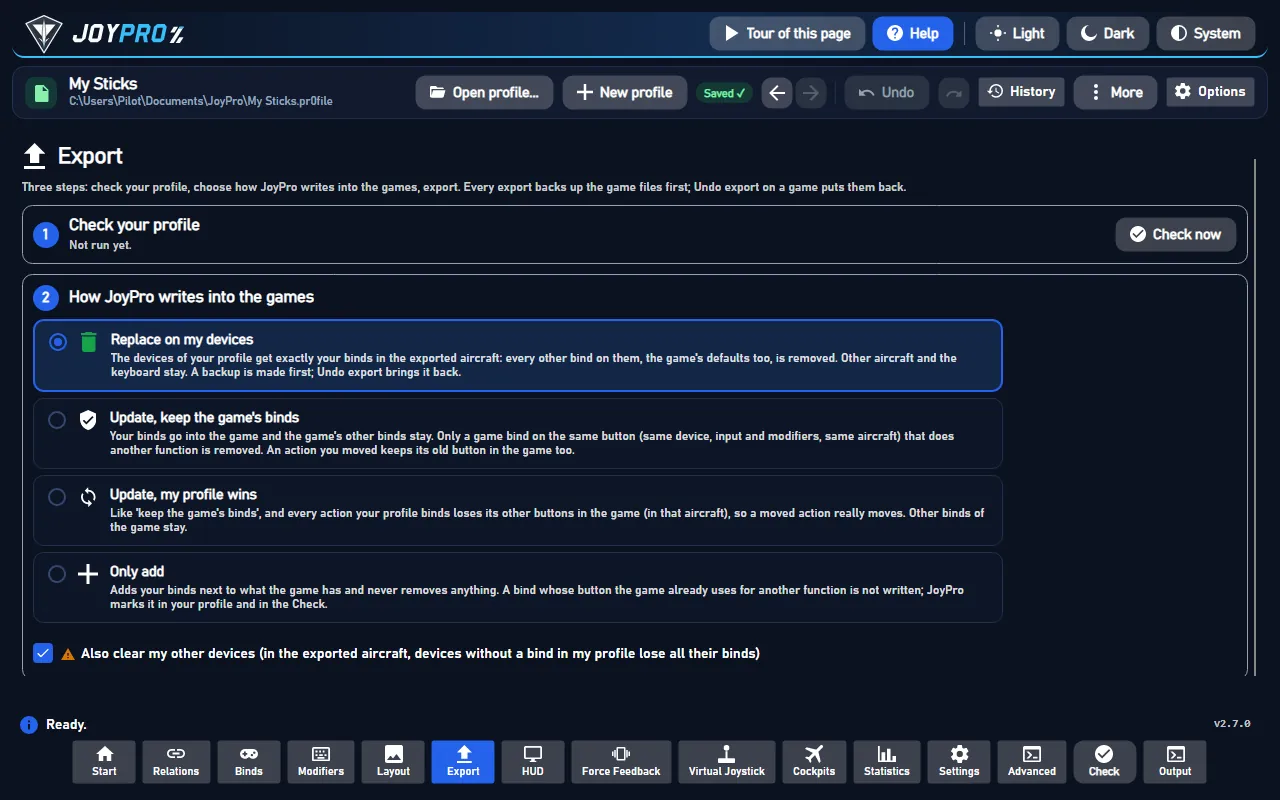
- Open Export and tick the G-Rebels card.
- Keep Replace on my devices with Also clear my other devices if JoyPro is where you set up your sticks. Press Export now on the card.
Open OPTIONS > INPUT > CONTROLS and the tab JST<channel> of your device (JST0 for channel 0). Under AXIS each joystick axis (X, Y, Z, RX, RY, RZ, Slider, Dial) shows the role JoyPro set (YAW, THRUST, ROLL, PITCH, SIDE STRAFE, UP / DOWN or NONE). Under BUTTONS the bound action shows your button, for example "Enhanced Raw Input Controller 0 Button 5".
#What you do yourself in G-Rebels
Do this once per device, before the first export:
- Switch the device on: OPTIONS > INPUT > DEVICES lists every joystick with DEACTIVATED. Give each device you want a channel (0 - CHANNEL ... 5 - CHANNEL). A device without a channel is skipped by the export with "switch it on in OPTIONS > INPUT > DEVICES".
- Change one axis role on the device's JST tab. Only then does the game save the axis rows of that channel; JoyPro changes them in place and never adds them. Opening the tab alone saves nothing.
- Bind one button in the game once. The button file appears with the first bind.
#Common pitfalls
- An axis role is not written: the channel has no saved axis rows yet. Change one axis role on its JST tab in the game, close the game, export again.
- A button bind is missing: only Primary Fire of the game's buttons is confirmed so far; other actions follow when their names are known.
- Several raw-input devices share keys: put the whole HOTAS on one device with the Virtual Joystick; it then needs only one channel.
#Files JoyPro reads and writes
| File | What it is |
|---|---|
%LOCALAPPDATA%\G_Rebels\Saved\SaveGames\SaveOptions.sav |
the devices with their channels (by HID path) and one axis row per axis of every channel: role, invert, dead zone, multiplier |
%LOCALAPPDATA%\G_Rebels\Saved\SaveGames\EnhancedInputUserSettings.sav |
the button binds, one mapping per action and channel |
...\SaveOptions.sav.joypro-meta.json |
JoyPro's data of the exported binds (names, groups), read back by the next import |
Both save files are backed up before the first write (.jpbak beside them and JoyPro's backup store).
#The export modes in G-Rebels
One role per axis and one key per action and channel. The same rules hold for axis roles and buttons.
| Mode | What happens |
|---|---|
| Only add | A role goes only onto an axis without one; an axis with another role is skipped and marked "Not written to the game". |
| Update, keep the game's binds | The profile's role goes onto its axis (the role there goes); the role stays on its other axes. A button: another action's mapping on the key goes. |
| Update, my profile wins | As above, and the role's other axes on connected channels get NONE. |
| Replace on my devices | Every other role of a written channel becomes NONE. |
| + Also clear my other devices | The same on the enabled, connected channels JoyPro does not write. |
#What is never touched
- Keyboard, gamepad, mouse and the game's other options.
- A channel whose device is not connected keeps its roles.
- The import's ignored devices and the vJoy device JoyPro tunnels into.
- The game's device list: JoyPro never switches a device on or off and never adds a channel.
#Axes and other settings
- Global: one set of binds per channel, no aircraft profiles.
- Invert is written with the role. Hats (the POV rows), dead zone and sensitivity are not written yet.
- No game-wide settings, no force feedback.
- Watcher: a role or bind you change in the game is noticed after it closes (the watcher).
- HUD: while G-Rebels runs, the HUD names the action of each pressed button.
- The game reads up to 96 buttons and 24 axes per device, no hats.
#Inside the G-Rebels integration
flowchart LR
  D["G-Rebels: DEVICES<br/>device on channel 0-5"] --> S
  P["Your profile<br/>(relations + binds)"] --> E["engine grebels export"]
  E --> S["SaveOptions.sav<br/>axis roles + invert<br/>per channel"]
  E --> B["EnhancedInputUserSettings.sav<br/>button binds per channel"]
  S --> G["G-Rebels: CONTROLS ><br/>JST tab of the channel"]
  B --> G
Code: engine\Games\GRebelsIntegration.cs, engine\Games\GRebelsSaveOptions.cs, engine\Games\GvasKeyMappings.cs.
- SaveOptions.sav: Unreal GVAS (UE 5.8, property tags with type trees).
JoysticksholdsS_Controller_Save { DeviceID (HID path), Enabled, MultiID (channel) };AxisOptionsholdsS_Input_Axis_Save { Key, Offset, Multiplier, Role, Inverted, DeadZone }with keys such asRawInput_Controller0_AxisYand the role as an enum (0 Yaw, 1 Thrust, 2 Roll, 3 Pitch, 4 Side strafe, 5 Up/down, 6 None). No checksum: JoyPro edits fixed-size values in place. - EnhancedInputUserSettings.sav: Unreal Enhanced Input player-mapped keys. Mapping names are
<ACTION>JST<channel>(PRIMARYFIREJST0), keysRawInput_Controller<channel>_Button<n>with n the DirectInput button number. The mapping list is rewritten; every other byte stays. - Devices: matched by HID path to the channel the game gave them.
- Command list: JoyPro's own table (
DB\GRebels\actions.tsv, axis roles and buttons; the game's files are not read).engine grebels refresh-dbwrites it into the game-data folder; rows already there keep their entry. - Commands:
engine grebels paths,engine grebels catalog,engine grebels scan,engine grebels import,engine grebels export--mode clean|add|merge|merge-overwrite --nuke-untouched-devices --dry-run.
#Known limits
- Hats, dead zone and sensitivity are not written.
- Of the buttons only Primary Fire is confirmed in the game.
- Entries are never added: channels, axis rows and the button file must exist from the game.
- Tests:
engine\tests\smoke\grebels.ps1; in the gametools\e2e\games\GRebelsSettings.ps1(two starts: the first gives vJoy a channel and saves the axis rows, the second checks random roles and Primary Fire on JST0; the save folder is restored afterwards).
All technical notes on this game (generated from the repository): g-rebels.md.