
The Check looks at your profile the way the game will see it after an export, and lists what would go wrong there: a button that does two things in the same aircraft, a command that ends up on two buttons, a bind the game did not take. Every card says it in game words (the aircraft, "device · button", the command as the game calls it) and offers a fix you can undo.
flowchart LR
  A["Check<br/>(bottom bar, or<br/>Check now)"] --> B["Cards:<br/>errors, warnings,<br/>notes"]
  B --> C["Per card: a fix,<br/>Open the relation,<br/>or Ignore"]
#Run the Check
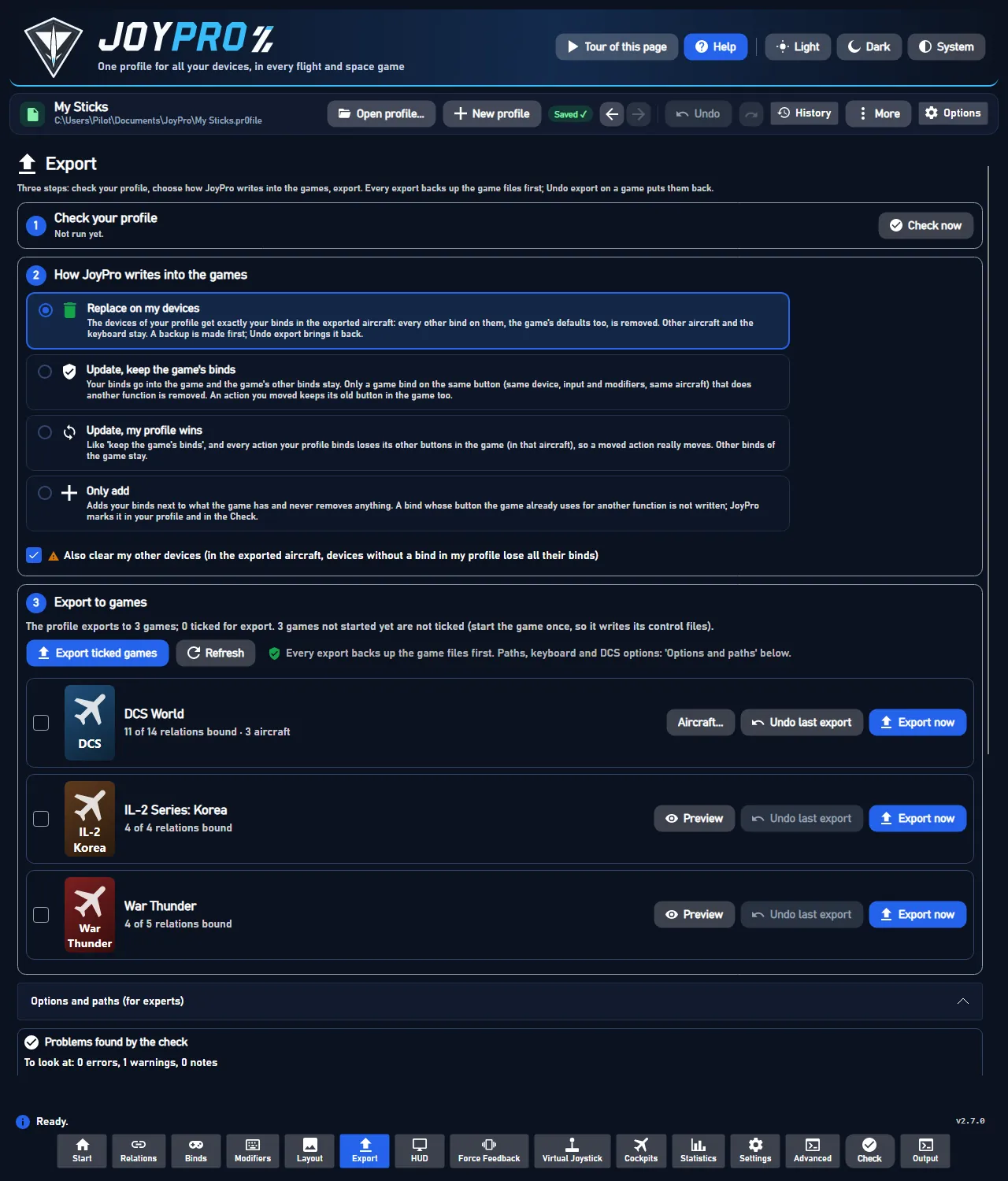
Press Check in the bottom bar (or Check now on the Export page). The results show on the Export page under Problems found by the check: "To look at: 0 errors, 1 warning, 0 notes".
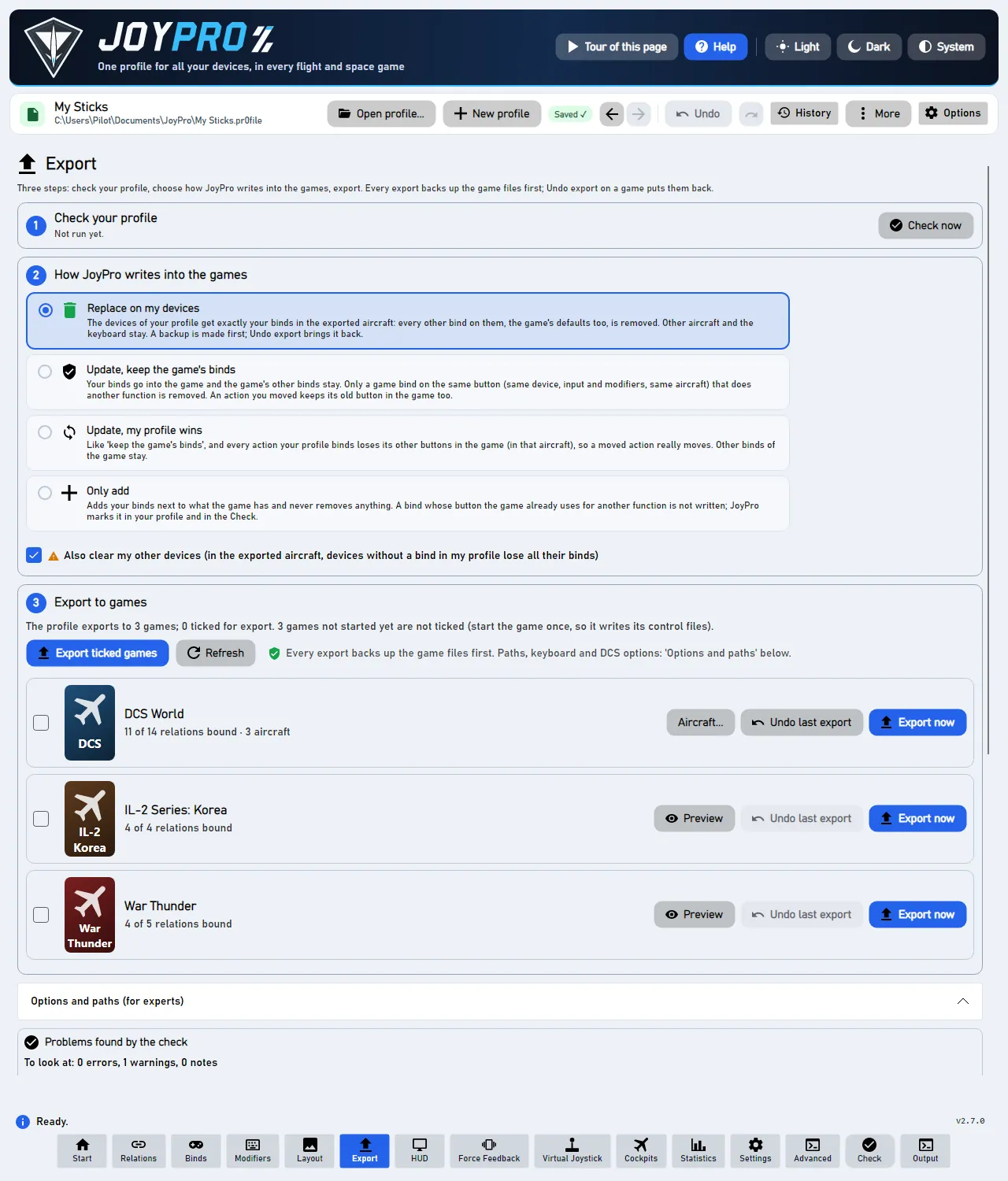
Red cards are errors: fix them before you export, or the game will do something you did not want. Amber cards are warnings: worth a look, often fine. Notes are harmless.
#Read a card
- The title says what is wrong: "One button does two things", "Same command on two buttons", "Not written to DCS World".
- The buttons: "Throttle - HOTAS Warthog · BTN 22 ('Gear Up/Down')", the device, the button and, in brackets, your relation.
- One sentence what happens in the game: "In F-16C, both buttons do 'Display Management Switch - Down'. Usually only one of them is wanted."
- The fixes: the blue button with a tick is JoyPro's suggestion. The others are alternatives; More has the
rest. Open '
' shows the relation with exactly the card's commands marked; Back (Alt+Left) returns to the card.
Every fix can be undone with Ctrl+Z.
#Sections and fixes
Errors come first, then warnings, then notes. The search finds cards by relation, aircraft, button and command; the kind filter shows one kind; the order (By relation, By aircraft, By game, By confidence) also groups the cards.
| Section | Kind | What it means in the game | Fixes |
|---|---|---|---|
| One button does two things | error | An input is bound in two relations that both have a command of the same aircraft on: one press runs both. | Keep only 'X' on this button (the aircraft is switched off in the other relations), Ignore; More: Move 'X' to another button, Switch off all of them |
| One button runs two commands | error | One relation has two commands of the same aircraft (or game) on. | Keep only 'A', Ignore; More: Move one to another button, Switch all off |
| Other errors | error | For example a modifier button that is also a normal button. | as the card says |
| Same command on two buttons | warning | One command of an aircraft is on in two relations: the game gets it on two buttons. | Keep only on X (JoyPro's suggestion), Ignore; More: Switch it off on both |
| Copied relations | warning | An import made copies of a relation on the same button. | Merge into one; Merge all copied relations |
| Not written to the game | warning | "Only add" left a bind out because the game uses the button for something else, or the game has no free place (Elite: Primary and Secondary in use). | Export with 'Update' to replace it, Move to another button, Keep as is |
| Notes | note | Harmless, worth a look. |
- Ignore keeps the binds as they are and hides the card (saved in the profile, one Ctrl+Z). It comes back by itself, marked New with "Shown again: now also on ...", when the command lands on one more button (one more relation on the button, one more command in the relation). Ignored warnings (n) lists the hidden ones with Show again and Show all again.
- Caused by: when the profile history knows which change brought a problem, the card says so ("Caused by: Manage with AI (366 relation changes) on 21.10.2026").
- Unknown commands: a command the aircraft's current list no longer has (an old module version, a mod that is not installed) is marked "unknown command"; More offers Remove the unknown command and Find similar.
- Vehicle classes: in games without aircraft lists (War Thunder, MSFS, Arma) a plane's throttle and a helicopter's collective on one axis are no error; only actions of the same vehicle class conflict.
- One button does two things: in that aircraft, one press fires both commands (for example "Gear" and "Weapon release"). After the fix, the button does one thing there; other aircraft are unchanged.
- Same command on two buttons: both buttons do the same in that aircraft. Harmless unless you wanted the second button for something else.
- Not written to the game: the game still does its own function on that button. "Export with 'Update'" replaces it at the next export; "Keep as is" leaves the game's function and hides the card.
- Unknown command: the game would ignore that line; removing it changes nothing in the game.
#How it works inside
- GUI:
ValidateProfileCommand(bottom bar Check, Export page Check now) runsengine profile validate --fail-on-warnings false, then the duplicate and conflict reports, and builds the cards (MainWindowViewModel.CheckCards.cs,MainWindowViewModel.Duplicates.cs,Models/CheckIssueModels.cs,Views/Controls/CheckProblemsPanel.axaml). Cards are paged (5 rich, 25 light per section, Show more), and "More" and the details are built only when opened, so 3000 errors stay responsive (CheckResponsivenessTests: every step under 400 ms). - Engine:
relations conflicts(engine\EngineCheckConflicts.cs) gives validate's two errors in detail:InputConflicts(keygame:plane§device§input[§modifier]) andActionConflicts(keygame|plane|relation). Fixes:--keep <relation>,--keep-action <id>,--off,--ignore(saved inPr0file.KeptDuplicates;--list-kept,--forget-kept [--keys]),--remove-actions.relations duplicatesfinds the same command on two buttons and copies;export-marks listthe binds an export left out. Each fix is one profile version (one undo step). - Text gate:
CheckTextGatefails a test when a card text shows an id, "node" or another internal word.
Engine commands: engine profile validate, engine relations conflicts, engine relations duplicates,
engine export-marks list, engine export-marks dismiss. Reference: The Check (reference).
#Related
- The Check page, every control on it
- Export, where the Check is step 1
- Build relations