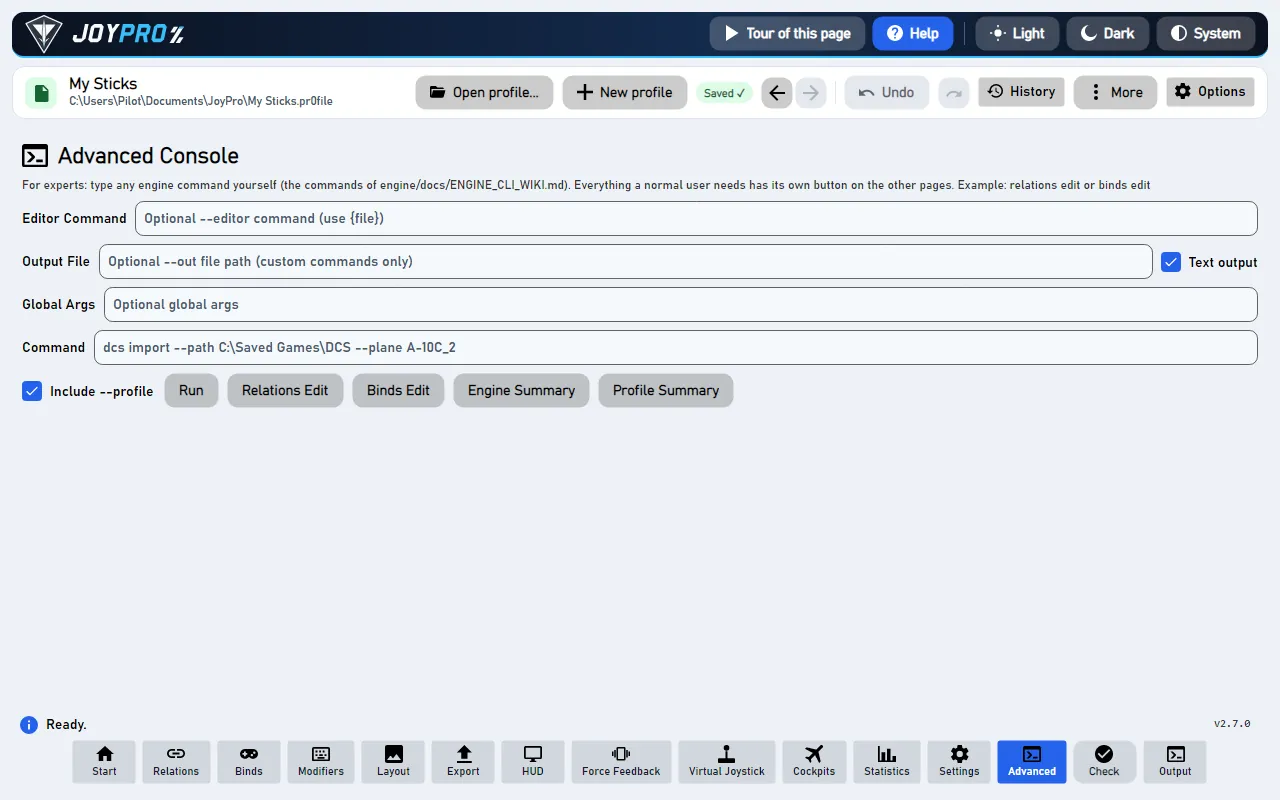
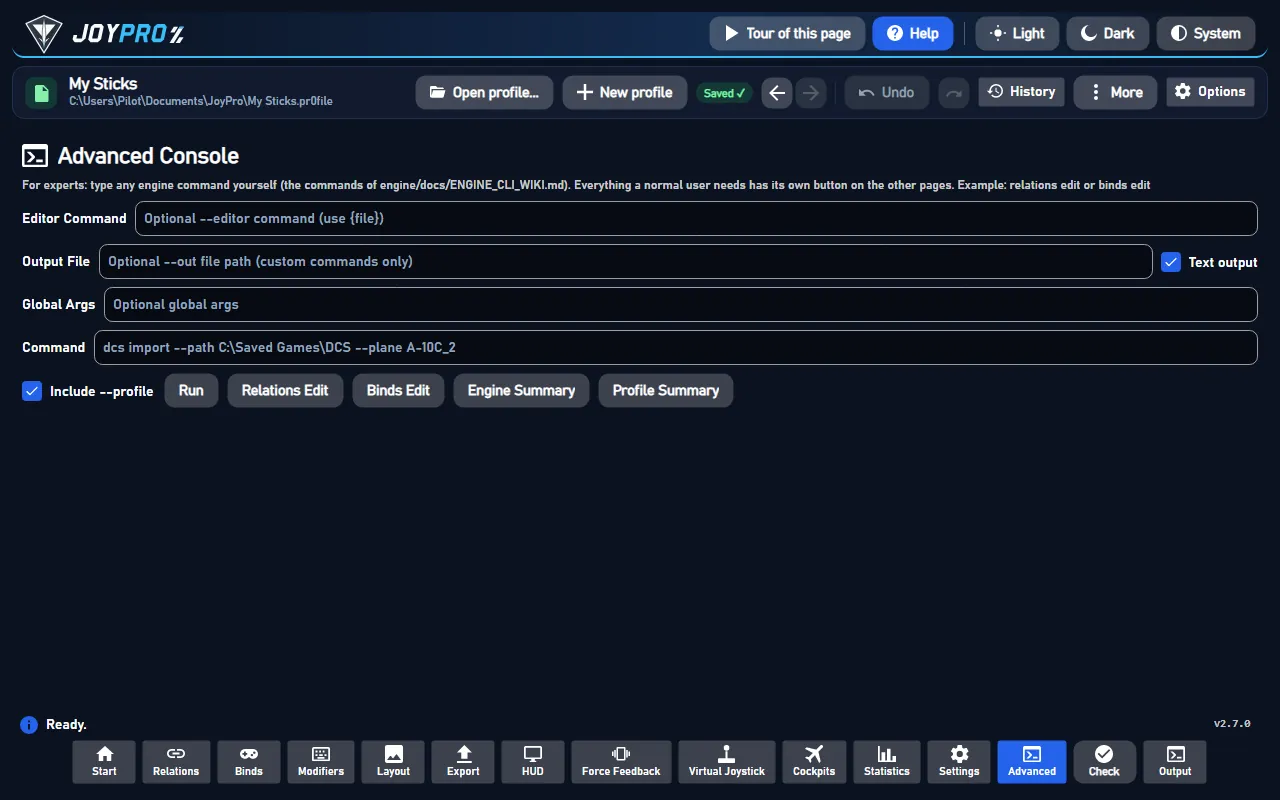
The Advanced page is the console for experts. Every feature a normal user needs has its own button on the other
pages; here you type the commands of JoyPro's engine yourself, exactly as the engine command
line describes them, and the answer shows in the Output panel.
The Advanced Console
flowchart LR
  A["Command box"] --> B["Run"]
  G["Settings"] --> B
  P["--profile"] --> B
  B --> E["JoyPro's engine"]
  E --> O["Output panel"]
  E -.-> R["Relations and<br/>Binds refreshed"]
What Run does with the command box, the settings (Global Args, Editor Command, Output File, Text output) and Include --profile (the open profile). The engine is the same as behind every button; the output panel shows the command and its answer. Dotted: only for the commands that list relations or binds.
Type the command into Command without the word engine, for example profile summary or
relations list --game DCS.
Leave Include --profile ticked: the command then works on the profile you have open.
Press Run. The answer appears in the Output panel at the bottom (press Output in the bottom bar if it is
closed).
Careful
Commands typed here can change your profile and your games exactly like the buttons do. Every profile change is a
version in the History (top bar), so you can go back; game files are backed up before an export.
The program that opens for Relations Edit / Binds Edit (and for hand-typed relations edit / binds edit). {file} stands for the temporary file, e.g. code --wait {file}. Empty: Notepad.
--editor (global)
Output File
Writes the answer of a hand-typed command into this file instead of the Output panel. Only for commands typed here; the buttons of the other pages never use it.
--out (global)
Text output
On (default): readable text. Off: JSON, as scripts read it. Only for commands typed here.
--text (global)
Global Args
Any other global options placed before the command, e.g. --status true.
Adds --profile "<open profile>". Untick it for commands that do not need a profile (db summary, games installs).
--profile
relations list and binds list typed here also refresh the lists of the Relations and Binds pages with the answer.
The command line of the last run is the first line of the Output panel ($ engine --profile ... profile summary):
copy it to run the same in a terminal.
Relations Edit writes all relations into a temporary JSON file, opens it in your editor and reads it back when the
editor closes; the Relations, Binds and Modifiers pages reload. One undo step.
View model: MainWindowViewModel.cs (RunCustomCommandAsync, RelationsEditAsync, BindsEditAsync,
RunEngineSummaryAsync, RunProfileSummaryAsync); the arguments are built in RunEngineAsync, the same method every
button of the GUI uses. A typed command is split by TokenizeCli (quotes respected), the global args go first, then
--profile, --status, --benchmark, --history-note (only for the GUI's own changes), --out, --editor, the
load-correction options of Settings and --text. A command that changes the profile runs with the profile lock and
creates a history version like any other change.
On (default): a command typed here answers in readable text. Off: it answers in JSON, as the GUI and scripts read it.
Only for commands typed on this page. Engine: global option --text.
On (default): the typed command gets --profile "<open profile>", so it reads and changes the profile you have open.
Untick it for commands that need no profile (for example db summary or games installs).
Runs the command typed in Command (with the global args, editor, output file and text options above) through the
engine and shows the answer in the Output panel. relations list and binds list also refresh the Relations and Binds
pages. A command that changes the profile is one undo step; one that writes into a game backs the game's files up
first, like the buttons.
Opens all relations of the profile as one JSON file in your editor (Editor Command, or Notepad); when you close
the editor, JoyPro reads the file back and the Relations, Binds and Modifiers pages reload. One undo step. Engine:
engine relations edit. In the game: nothing until the next export.
Opens all binds of the profile (relation, device, input, modifiers, axis settings) as one JSON file in your editor;
closing the editor reads it back and the pages reload. One undo step. Engine: engine binds edit. In the game: nothing
until the next export.
A one-line count in the Output panel: relations=..., binds=..., modifiers=... of the profile the engine has loaded
(it runs without --profile, so it shows the profile the engine used last). Changes nothing. Engine: engine summary.
Shows the open profile's counts and status in the Output panel (it runs with --profile, so it is always the
profile you have open). Changes nothing. Engine: engine profile summary.