
War Thunder keeps your controls in machine.blk, a text file that holds only what differs from the preset you
started from. JoyPro reads the aircraft and helicopter controls into your profile and writes them back in place: tank,
ship and menu controls stay as they are. The game also keeps a copy of the file on Gaijin's server; JoyPro writes so
that your exported file wins at the next login.
War Thunder native (its own bind files)
- Support
- native (its own bind files)
- Engine command
engine warthunder- Bind file
Documents\My Games\WarThunder\Saves\<uid>\production\machine.blk(BLK text, a diff against the preset)- Command list from
gui.vromfs.bin/lang.vromfs.binby default; JoyPro's own list with--no-game-archives(Settings > Games)- In-game test
- 29/29 steps passed (2026-10-10)
- ✓ Import
- ✓ Export
- ✓ Keyboard binds
- ✓ Modifiers
- ✓ Command list built on your PC
- ✓ Game watcher
- ✓ Axis curves and dead zones
- ✓ Game control settings
- ✓ In-game force feedback settings
- ✓ Force feedback from telemetry
- ✓ Telemetry recording
- ✓ Virtual joystick (vJoy)
- ◐ Virtual Xbox pad
- ✓ Virtual functions
- ✓ Setup wizard / Auto Assign
- ✓ Cockpits
- ✓ Cheat sheets
- ✓ In-game test
From the support matrix, generated from the engine’s code: all games.
#Get it working in 3 steps
- Set it all up for me
on the Start page - Use these buttons
look at the list first - Write to my game
keep War Thunder closed
Before: log in once. Plug in your devices, start the game and open Controls once. Then quit.
Then: log in. Your binds are in Controls.
Did you bind buttons in War Thunder before? Then the Start page offers Import, then fill the gaps. Your binds stay, and only free buttons get new jobs. See Quick start: make my stick work.
#What JoyPro does for War Thunder
- Import: the aircraft and helicopter shortcuts and axes on your devices come into your profile, with every value of the game's Axis setup dialog, and the game-wide control options (sensitivity, invert, WEP, autotrim, force feedback).
- Relations: one relation is one function in every game. "Gear" can be the same switch in War Thunder, DCS and IL-2.
- Export: JoyPro edits
machine.blkin place. Tanks, ships, submarines, infantry and the menus are never touched.
#Import your War Thunder binds
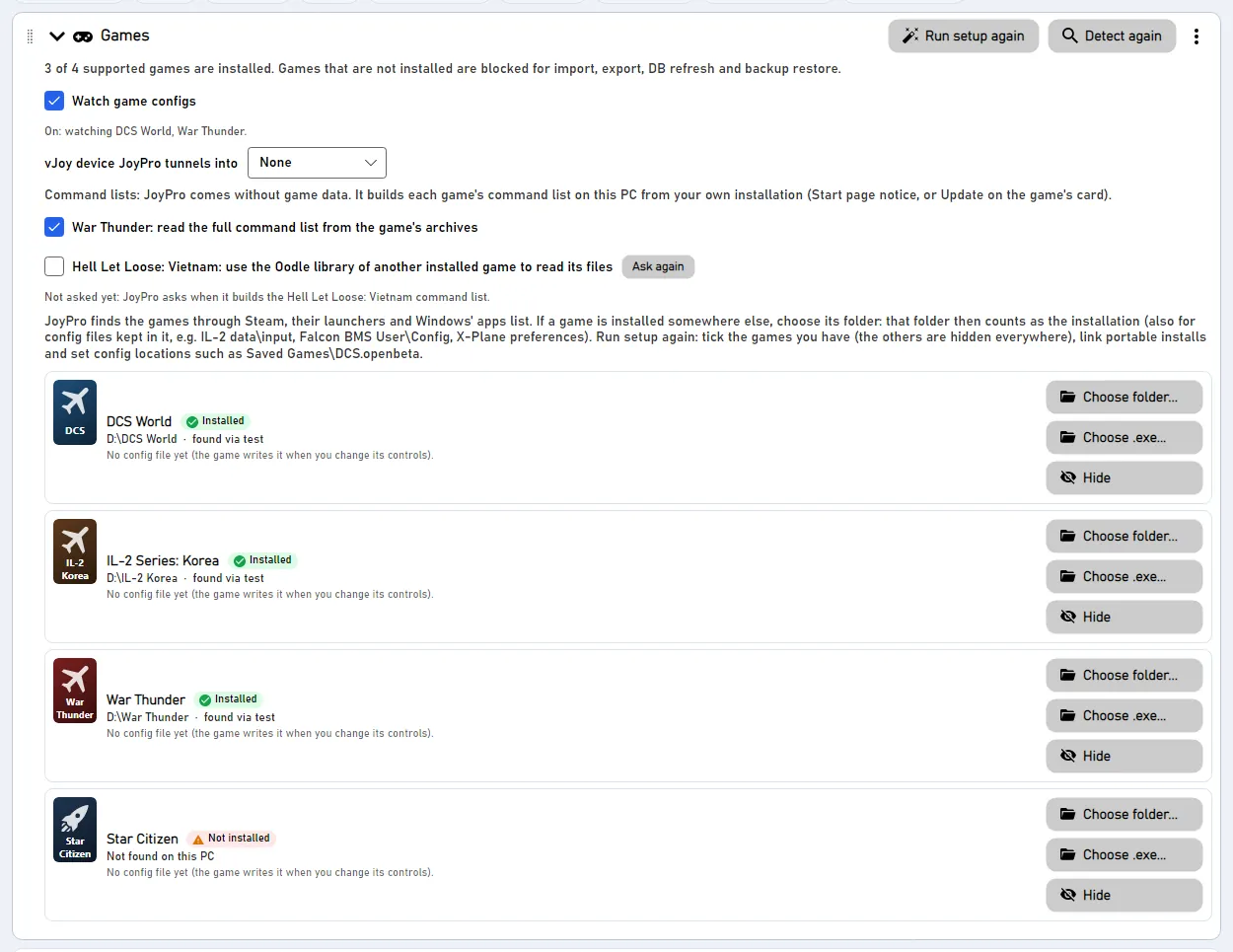
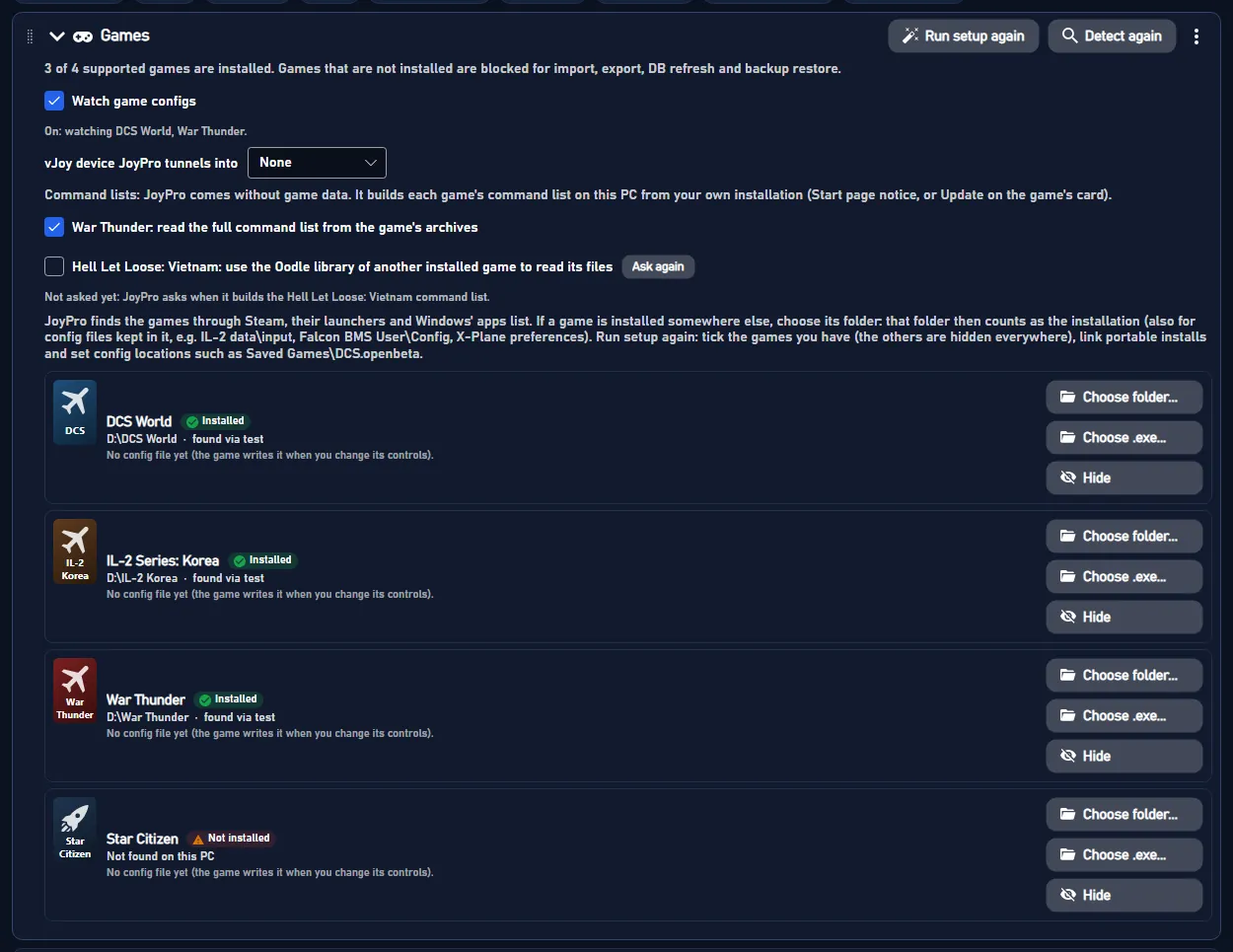
- Open Start. If the War Thunder card asks for a command list, press Build List: JoyPro reads the aircraft and helicopter actions from the game's archives (read only; 290 actions). Settings > Games can switch that off; JoyPro then uses its own shorter list.
- Press Import on the War Thunder card. Keep Add to my profile. Tick Also take the keyboard keys if you want your flight keys in JoyPro too.
- Press Import now. See my relations opens what came in.
#Build and check relations
Join the same function of your games with the relations flow, then press Check on the Export page. The plane's throttle and the helicopter's collective on one axis is fine in War Thunder; two aircraft actions on one button are not.
#Export to War Thunder
- Close War Thunder. The game saves the file now and then while it runs and when it quits, so JoyPro refuses to write while it runs.
- Open Export and tick the War Thunder card.
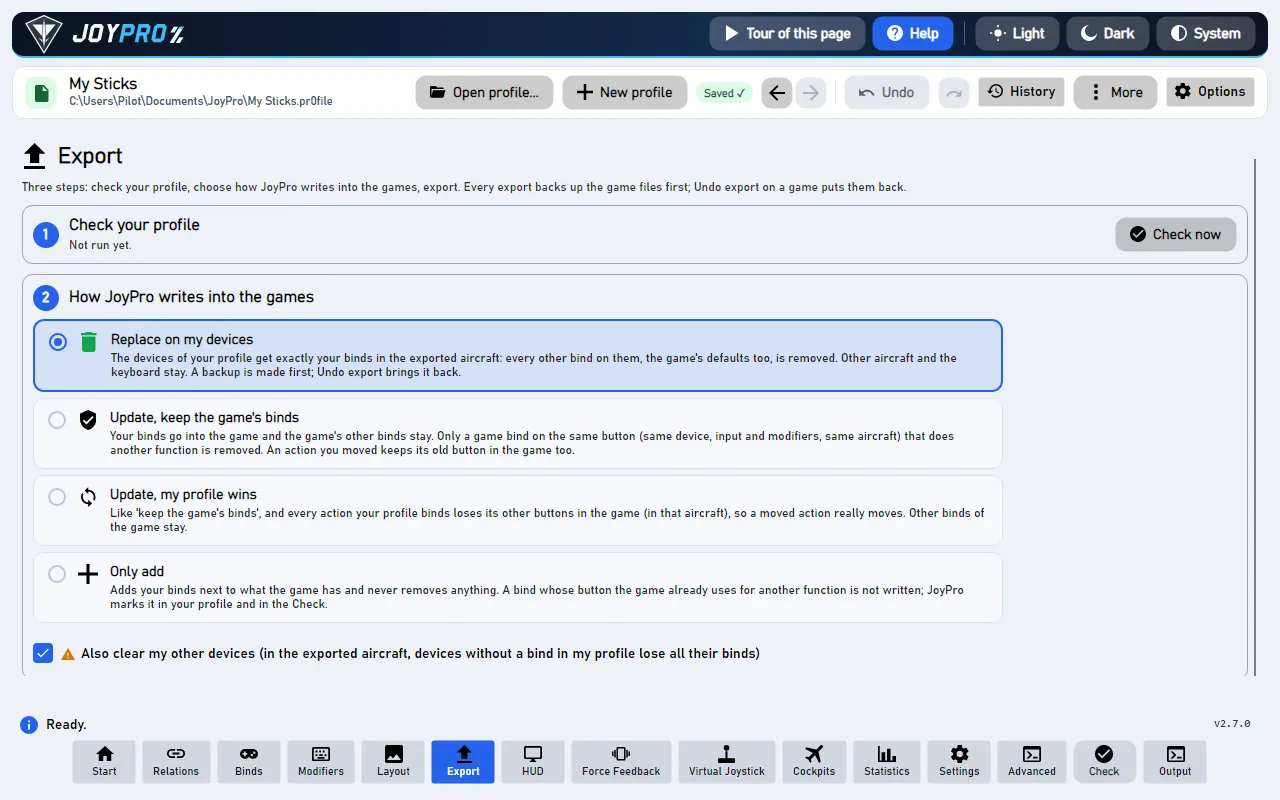
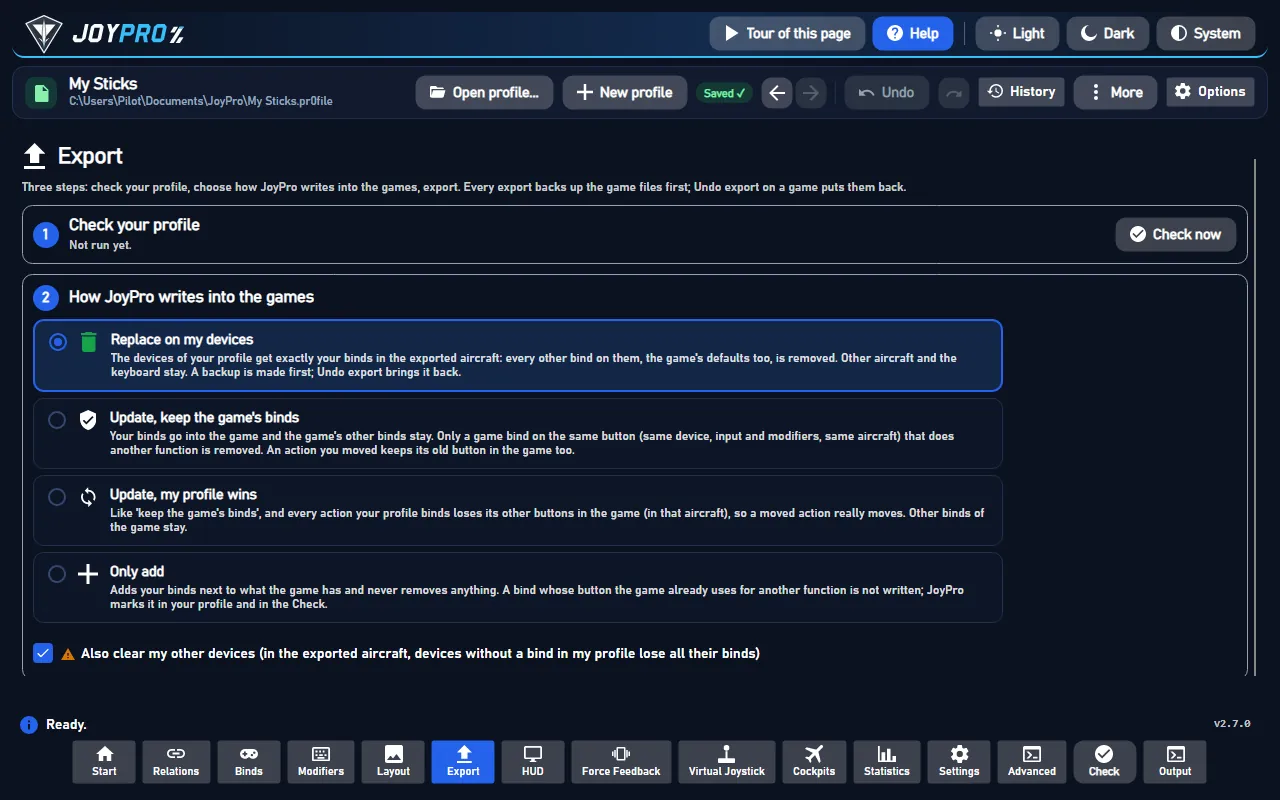
- Keep Replace on my devices with Also clear my other devices if JoyPro is where you set up your sticks. Press Export now on the card.
Start the game and log in. In the hangar, press Esc and open Controls. Your binds are in the aircraft and helicopter sections; the Axis setup dialog of an axis shows its dead zone, nonlinearity, multiplier, correction and invert. The sensitivity rows, the force feedback multiplier and autotrim are listed in the Realistic and Full-real control modes only. Clicking the Mouse aim / Simplified / Realistic / Full-real tabs changes your control mode, it does not filter the list.
#What you do yourself in War Thunder
- Let the game list every device once. War Thunder numbers buttons and axes per device in its own table. Plug the
device in, start the game and open Controls: the game then adds the device to
machine.blk. JoyPro skips a device the game has not listed yet. - Log in once before the first export, so the file of your account exists.
#Common pitfalls
- "War Thunder is running": quit the game and export again.
- A device was skipped: the game has not listed it, two connected devices share its VID:PID, or its button or axis count differs from what the game recorded (all numbers would be off). Open Controls in the game with the device plugged in.
- The old binds came back after login: you restored a copy by hand. Use Undo last export instead: JoyPro then raises the file's version, so the server does not replace it.
- Hat diagonals, mouse buttons and axis modifiers cannot be written.
#Files JoyPro reads and writes
| File | What it is |
|---|---|
%USERPROFILE%\Documents\My Games\WarThunder\Saves\<uid>\production\machine.blk |
your controls (hotkeys{}, axes{}, params{}, deviceMapping{}) and the game's settings blocks; <uid> is your account (Saves\lastlogin.blk names it; Saves\last before a login) |
...\production\machine.blk.joypro-meta.json |
JoyPro's names, groups and tuning of the written binds, read back by the next import |
machine.blk.jpbak |
the copy from before the first write, plus JoyPro's versioned backup store |
an exported controls preset (controls{} at the top) |
can be imported and exported too; game-wide options are written to machine.blk only |
machine.blk is a diff against the base preset named in basePresetPaths: the first block of a shortcut replaces the
preset's whole list for it, an empty ID_X{} means unbound, and a missing axis attribute means "the preset's value".
JoyPro writes cataloged shortcut blocks, axisId and the axis values of cataloged axes, and the single option keys
you set. Every other line keeps its text; deviceMapping{} is only read.
#The export modes in War Thunder
Only cataloged aircraft and helicopter controls count. A conflict is another of those on the same input.
| Mode | What happens in machine.blk |
|---|---|
| Only add | A shortcut is written only when no other aircraft or helicopter control uses that input; it never removes a block or replaces a bound axis. Skipped binds get a mark "Not written to the game". |
| Update, keep the game's binds | Your shortcuts go in beside the control's other shortcuts; only conflicts are removed (an axis of another control on your axis gets axisId -1). |
| Update, my profile wins | As above, and a control you bind loses its other shortcuts on connected devices the game lists (keyboard only with the keyboard option). |
| Replace on my devices | As above, and the other aircraft and helicopter shortcuts and axes of the written devices are released. |
| + Also clear my other devices | The same for connected devices without binds in your profile. |
An empty ID_X{} is replaced when JoyPro binds the control. A control missing from the file gets a warning: your
shortcut then replaces the base preset's default for it.
#What is never touched
- Tank, ship, submarine, infantry and menu shortcuts and axes.
deviceMapping{},config{}and every settings line JoyPro does not set.- Mouse binds, devices that are not connected, the import's ignored devices and the vJoy device JoyPro tunnels into.
- The keyboard unless you export keyboard binds.
- Relative control, keep value and the axis range stay as the file has them unless you set them.
#Aircraft, curves, game options
- Granularity: one set of controls for all aircraft and one for all helicopters (the game has no per-aircraft binds).
- Modifiers: the last button of a shortcut is the main input, other buttons and keys in the block are its modifiers. Up to three alternatives per shortcut.
- Axis curves in the game's own units, as the Axis setup dialog shows them: dead zone (0 to 0.5), nonlinearity (0 to 3, shown as 1 to 4), multiplier, correction, invert, relative control with its sensitivity and step, keep value for disabled axis. A relation without War Thunder values gets its JoyPro curve fitted: multiplier = 1 / saturation X, dead zone scaled with it, the closest nonlinearity; a slider gets the travel between dead zone and saturation mapped onto the whole range. A value equal to the base preset's drops the line, as the game itself saves.
- Game options: roll, pitch and yaw sensitivity for aircraft and for helicopters, invert Y (aircraft, helicopter),
invert throttle, hold throttle for WEP, autotrim, force feedback on (the game needs a restart) and its multiplier.
Set them in Settings > Force feedback settings of the games (pick War Thunder) or with
engine ffb set. They are written also by an export without War Thunder binds; the import takes the file's values. - Cloud copy: the game compares the first line
version:i=Nof the file with the server's at login. JoyPro keeps the version, so your new content is uploaded. Undo last export gives the restored file a version above the one it replaces, so the server's copy does not come back. - Telemetry force feedback: the Force Feedback page drives your force feedback stick from the game's
local web server (
127.0.0.1:8111, served by the running game; nothing to set up). Switch the game's own force feedback off for that stick. - Telemetry recording: JoyPro can record a sortie from the same server and export it as CSV or for Tacview (a flat map around 0/0, as the game has no real geographic position).
- Watcher: a bind, axis value or option you change in the game is noticed after it closes; reordered keys or the game's diff style are no change.
- HUD: the HUD finds the game by its process and shows your War Thunder binds.
#Inside the War Thunder integration
flowchart LR
  P["Your profile<br/>(aircraft + helicopter)"] --> E["engine warthunder export"]
  M[("deviceMapping<br/>devices the game listed")] --> E
  E --> B["machine.blk<br/>shortcuts, axes, options<br/>(diff to the base preset)"]
  B --> L["Next login: your file<br/>wins (same version line);<br/>Controls in War Thunder"]
Code: engine\Games\WarThunderIntegration.cs, engine\Games\WarThunderVromfs.cs, the axis model
engine\AxisModels\WarThunder.cs and the settings model engine\FfbModels\WarThunder.cs.
- Devices:
deviceMapping{ joystick{ devId:t="0738:2215" name:t="..." buttonsOffset:i= buttonsCount:i= axesOffset:i= axesCount:i= } }.devIdis the DirectInput product's VID:PID; the game matches devices bydevIdonly, so two identical devices collapse into one.joyButton= buttonsOffset + local index (buttons, then four per hat: up, right, down, left);axisId= axesOffset + local index in DirectInput order (X, Y, Z, Rx, Ry, Rz, two sliders), then two per hat.engine games devicesshows what JoyPro sees per device. - Format: BLK text,
name:type=value, block names repeat (parsed as an ordered list), CRLF. Files withcontrols.versionbelow 5 are legacy and not read. - Command list:
engine warthunder refresh-dbreadsshortcutsgroupaircraft.nutandshortcutsgrouphelicopter.nutfromgui.vromfs.binand the titles fromlang.vromfs.bin(lang/controls.csv), unpacked into a temporary folder that is deleted afterwards; only the ids and titles stay.--no-game-archives(Settings > Games: untick "War Thunder: read the full command list from the game's archives") uses JoyPro's own list of 116 actions; ids withoutID_are axes.--pathtakes a folder with the control scripts as plain files. - Import / export:
engine warthunder import,engine warthunder scan;engine warthunder export--mode clean|add|merge|merge-overwrite --nuke-untouched-devices --include-keyboard --ignore-device <d> --dry-run. - Base presets: without a table of the official presets' values, the export writes every tuned axis attribute explicitly (it never drops a line as "equal to the base"), so the file is right whatever the base preset is; the import uses the code defaults for attributes the file does not set.
- Game options:
engine ffb set --device * --game WarThunder --param <key>=<value>(joyFX,forceGain0..100,aileronsMultiplier... in %,invertY,invertYHelicopter,invertT,holdThrottleForWEP,autotrim). - Telemetry:
engine ffb telemetry setupandengine telemetry record; JoyPro polls/state20 times a second and/indicatorsevery second request, only while the game runs.
#Known limits
- No shipped table of the base presets' values (see above).
- A watcher run missed a change of "hold throttle for WEP" once, and one sensitivity read back off by one.
- 128 buttons and 4 hats per device are read; hat diagonals, mouse buttons and axis modifiers are not written.
- Tests: in the game
tools\e2e\games\WarThunderSettings.ps1(binds on vJoy axes, the Axis setup dialogs of pitch and throttle, the Controls page values, and the import of the file the game rewrote).
All technical notes on this game (generated from the repository): war-thunder.md.