
JoyPro explains itself. F1 explains any button you click. Tours show you around, one step at a time. Easy words makes all of it big and short.
#F1: what does this button do?
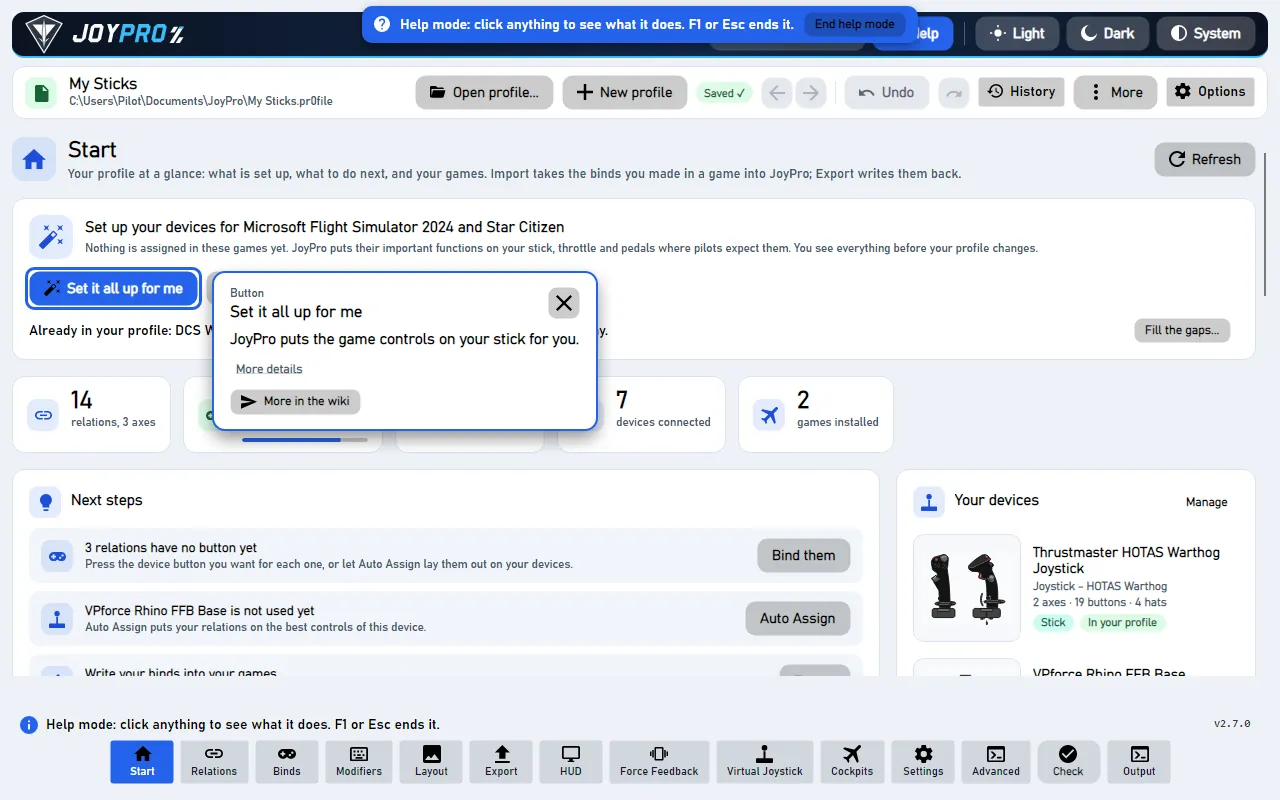
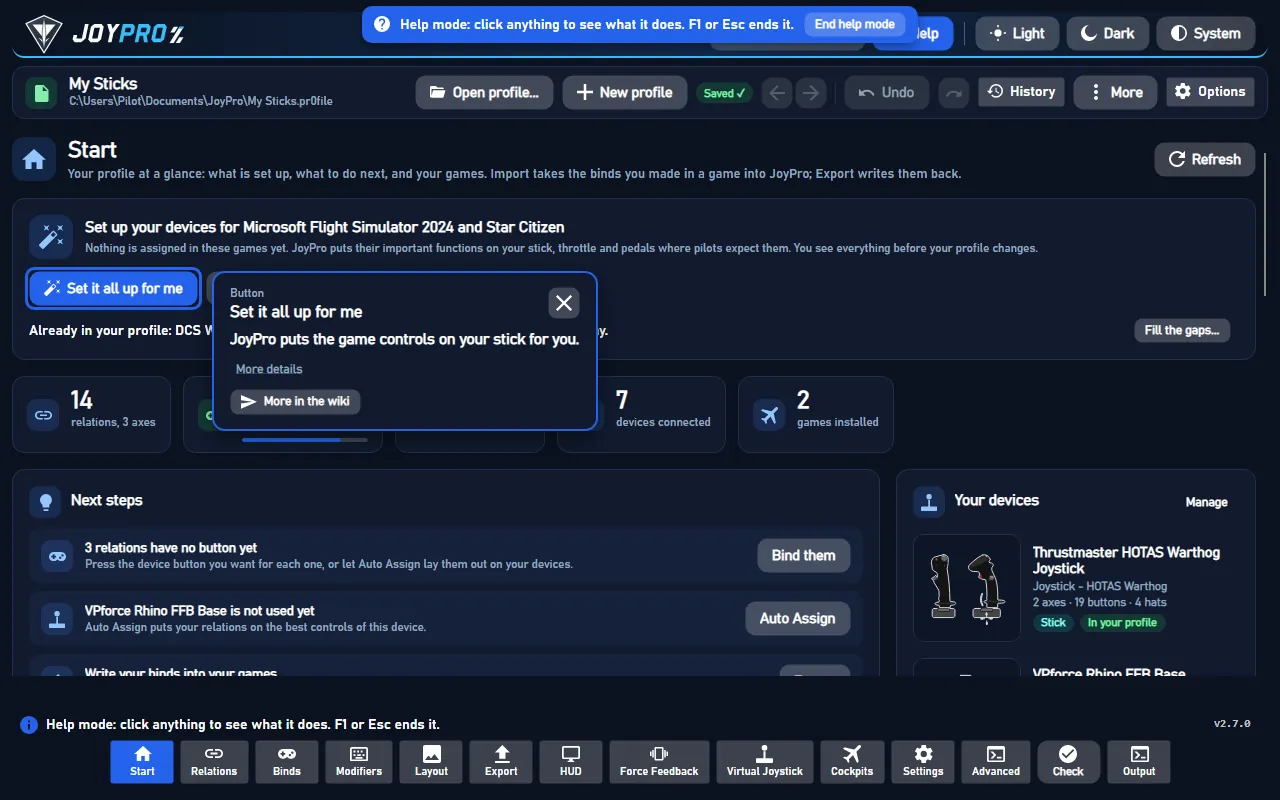
- Press F1. The mouse pointer turns into a question mark.
- Click any button. It does not run. A small window says what it does.
- Press F1 or Esc to stop.
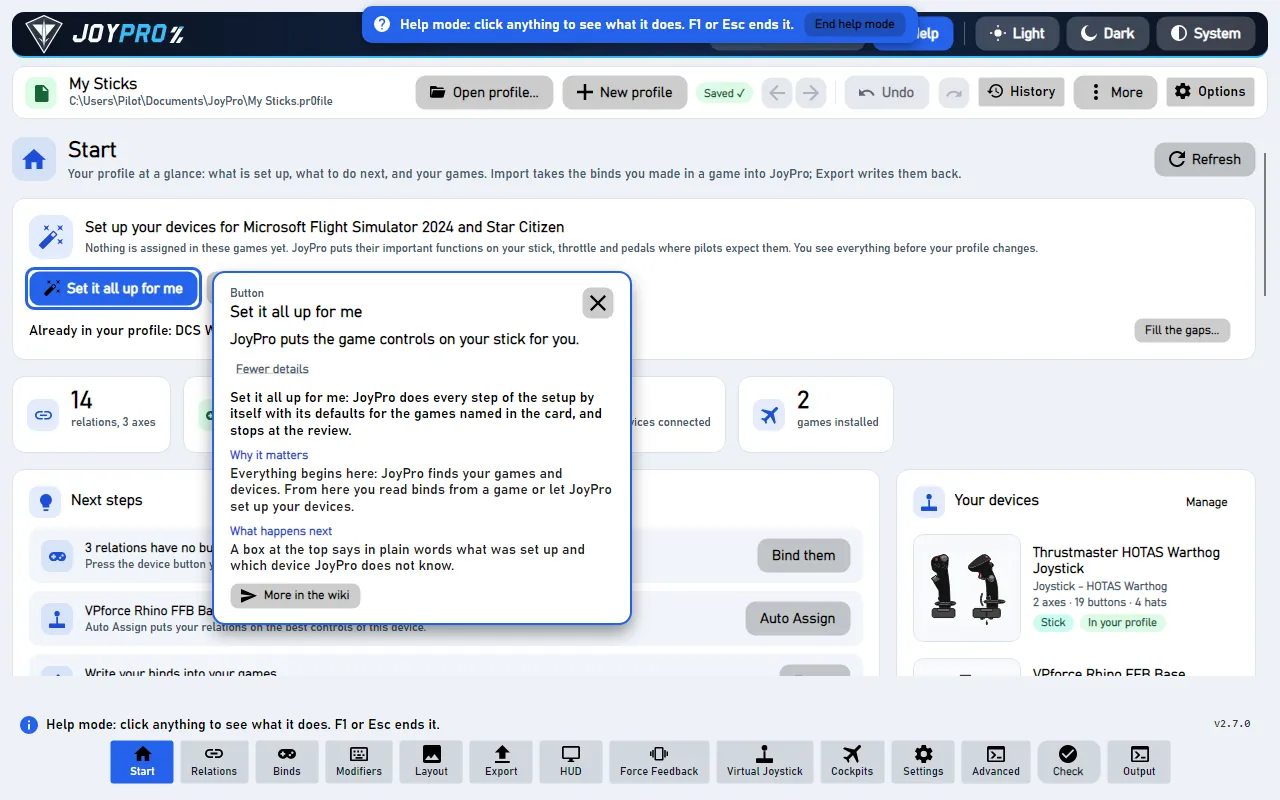
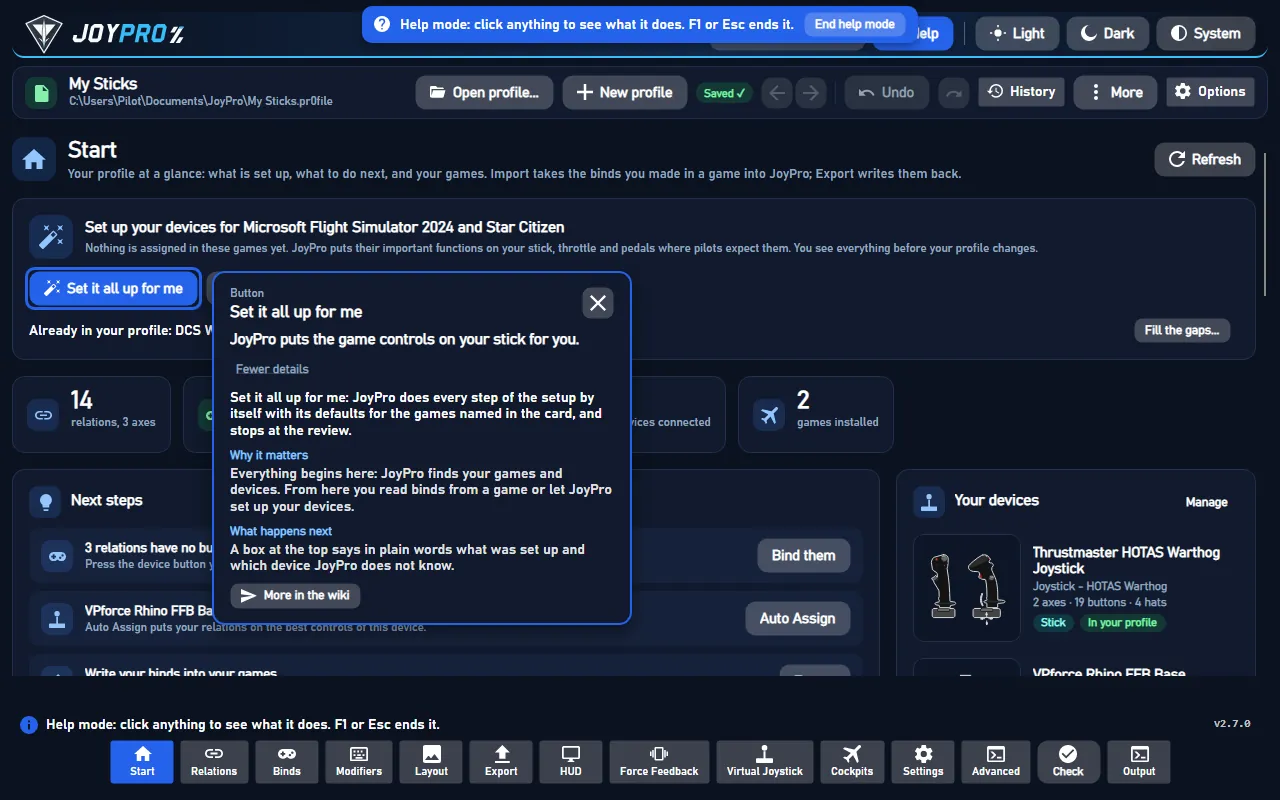
More details shows the longer text. More in the wiki opens the button's page on this website.
#Tours
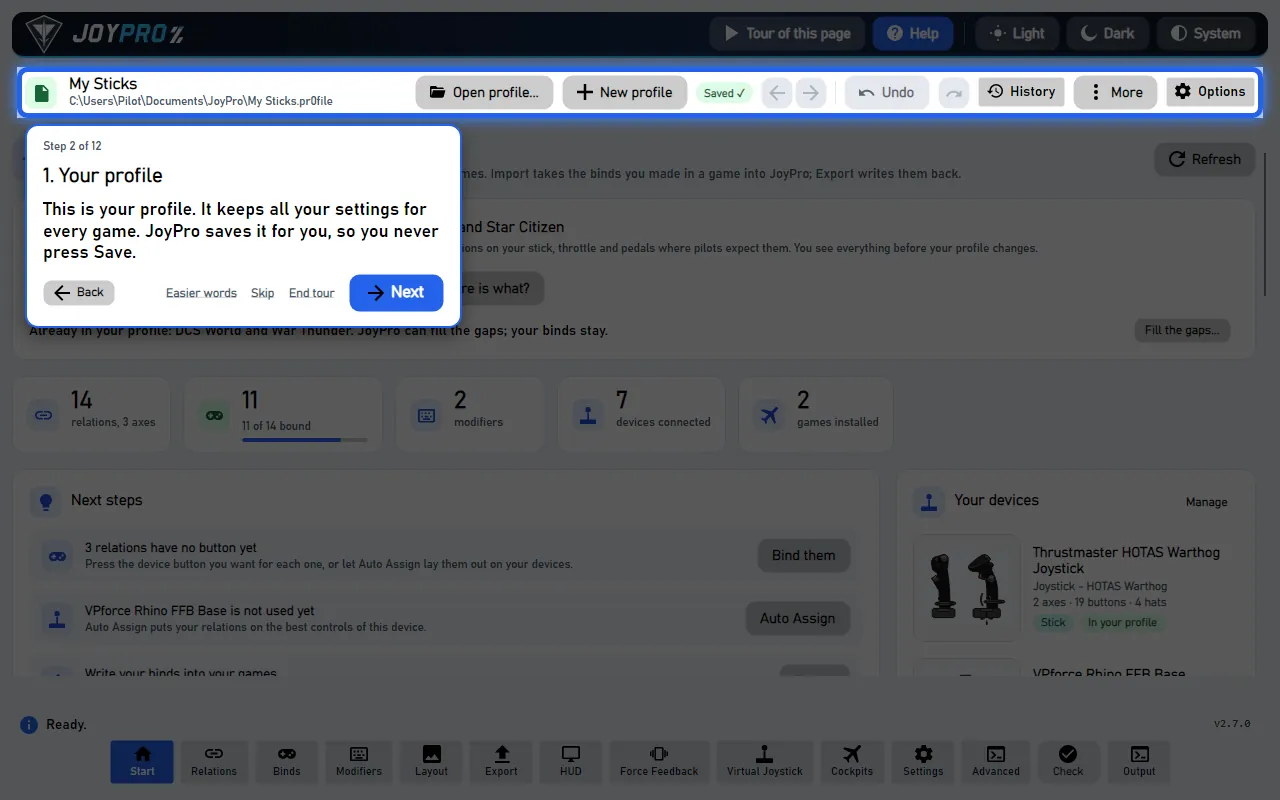
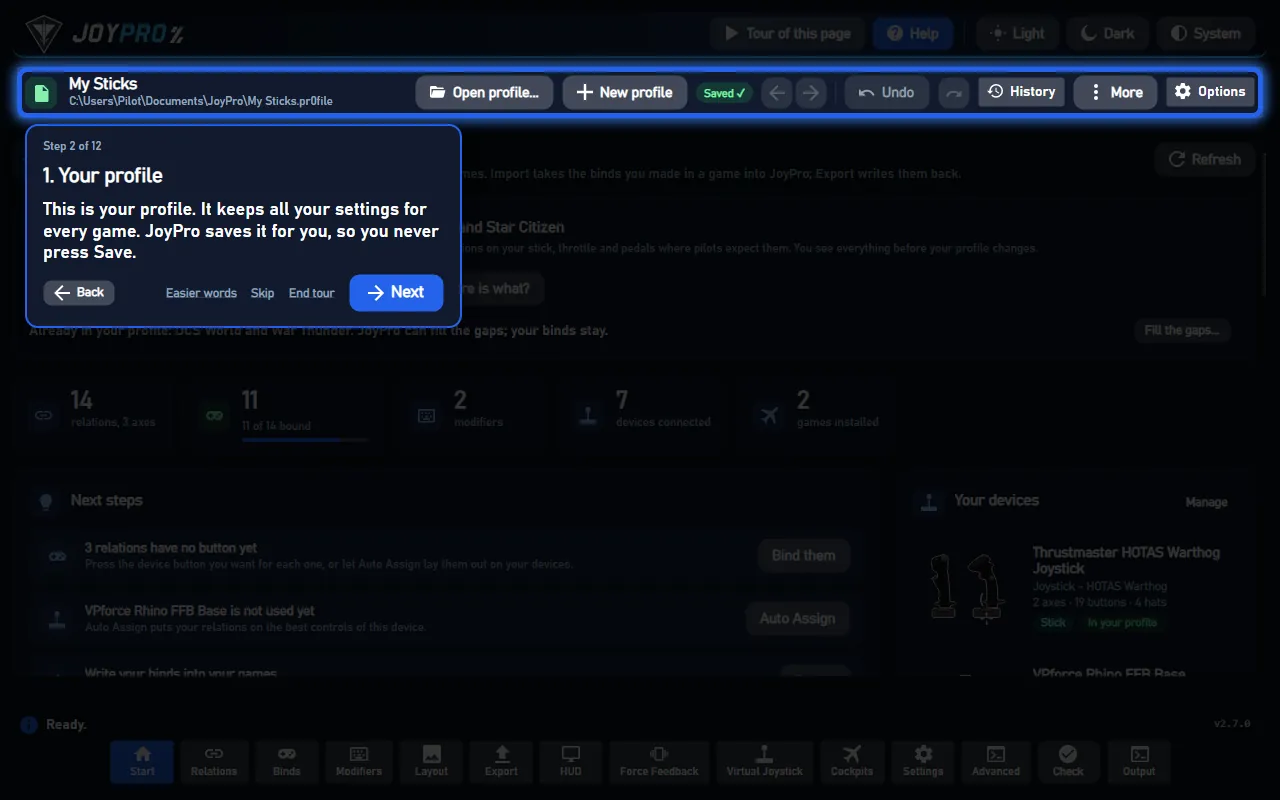
A tour makes the real button glow. It waits for your click. Then it goes on.
- Next is the big blue button. Back goes one step back.
- Skip leaves a step out. End tour stops.
- Every page has Tour of this page, at the top right next to Help.
#Easy words
Easy words means big cards and very short sentences. It is good for children. It is good for anyone who wants it simple.
Switch it on in one of these places:
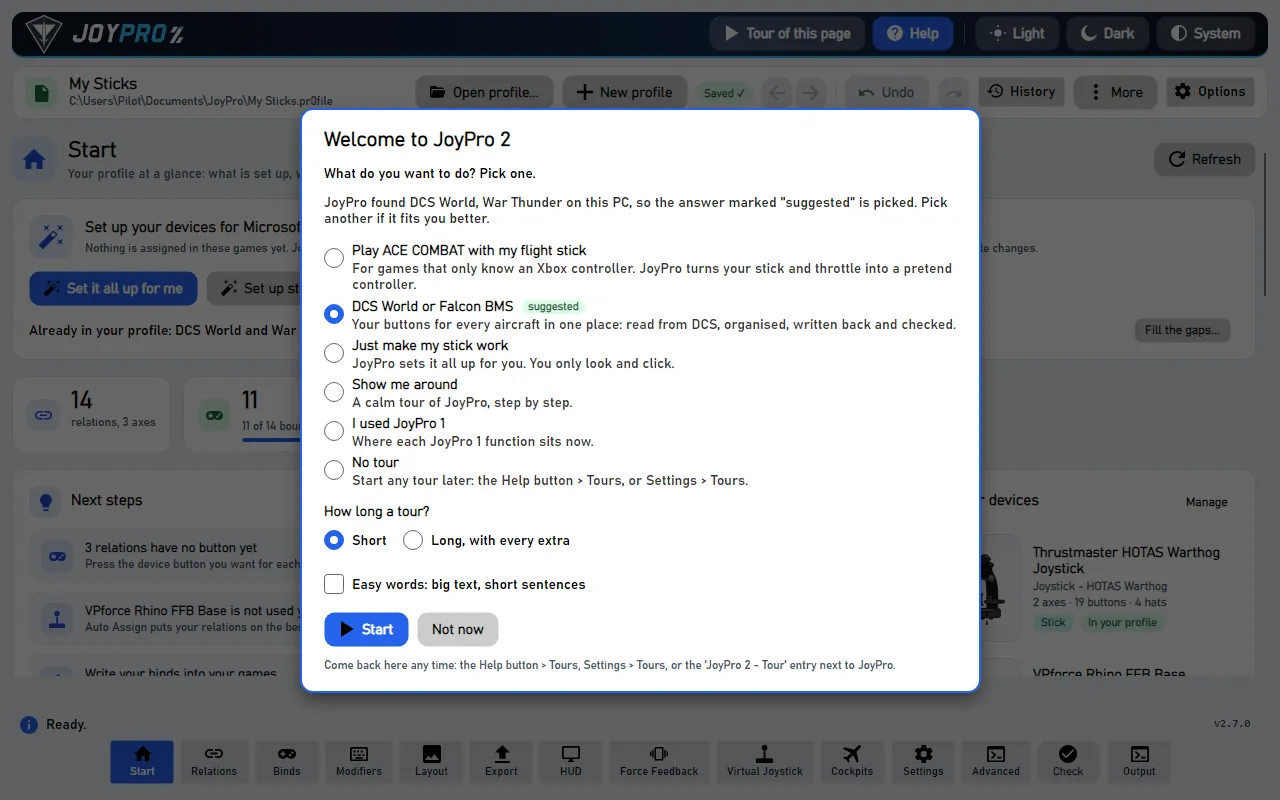
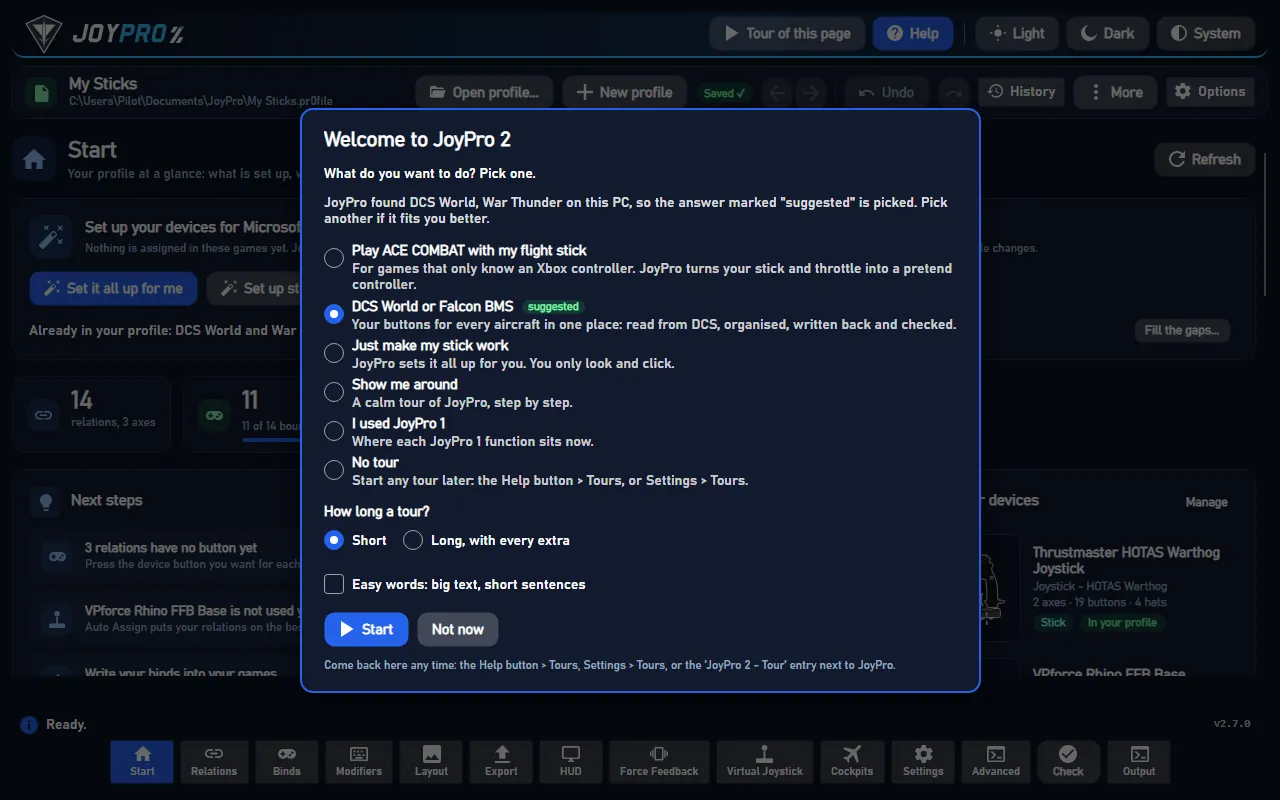
- in the welcome: Easy words: big text, short sentences,
- in the first window, the same box,
- on every tour card: Easier words,
- in Settings > Tours.
It stays on after a restart.
#Get the welcome or a tour back
- Help at the top right > Tours....
- Settings > Tours > Show the welcome.
- Double-click JoyPro 2 - Tour in JoyPro's folder.
#Details
- The welcome's answers: Play ACE COMBAT with my flight stick, DCS World or Falcon BMS, Just make my stick work, Show me around, I used JoyPro 1 and No tour. JoyPro marks one as suggested, from the games it found.
- How long? Short shows the steps you need. Long, with every extra shows the extras too.
- Settings > Tours lists every tour with Start tour. Ask again at the next start brings the welcome back and marks every tour unseen.
- Close JoyPro in the middle of a tour: it goes on at the same step at the next start.
- With the keyboard: Tab to a control, then Enter or Space shows its help.
- Details: Help mode and tours.
#Behind the help
The F1 texts are the first sentences of this wiki's entries (build.py --help-catalog writes
gui/JoyPro.Gui/Resources/help-controls.json). Tours: Services/Help/TourCatalog.cs. JoyPro 2 - Tour.cmd starts
JoyPro.Gui.exe --welcome. The choices are kept in ui-settings.json ("tours").