
X-Plane keeps the assignments of all your devices in one preferences file inside its installation: an axis "use" (pitch, throttle, flaps ...) per hardware axis, a command per button, and optional response curves. JoyPro reads that file into your profile, joins it with your other games in relations and writes it back, changing only the flight lines it manages. X-Plane 12 and X-Plane 11 are two games in JoyPro, each with its own installation, command list and settings; both can be installed side by side.
X-Plane 12 native (its own bind files)
- Support
- native (its own bind files)
- Engine command
engine xplane12- Bind file
Output\preferences\X-Plane Joystick Settings.prf,control profiles\*.prf(line based)- Inputs the game reads
- reads 160 buttons, 25 axes, 1 hat per joystick (verified)
- Command list from
Resources\plugins\Commands.txt- In-game test
- 33/33 steps passed (2026-10-11)
- ✓ Import
- ✓ Export
- ✗ Keyboard binds
- ✗ Modifiers
- ✓ Command list built on your PC
- ✓ Game watcher
- ✓ Axis curves and dead zones
- ✓ Game control settings
- ◐ In-game force feedback settingsX-Plane 12: only the per-device switch "control-loaded axes" for force feedback sticks; the sim has no stick force feedback effects of its own (plugins only).
- ✗ Force feedback from telemetry
- ✓ Telemetry recording
- ✓ Virtual joystick (vJoy)
- ◐ Virtual Xbox pad
- ✓ Virtual functions
- ✓ Setup wizard / Auto Assign
- ✓ Cockpits
- ✓ Cheat sheets
- ✓ In-game test
X-Plane 11 native (its own bind files)
- Support
- native (its own bind files)
- Engine command
engine xplane11- Bind file
- as X-Plane 12
- Inputs the game reads
- reads 160 buttons, 25 axes, 1 hat per joystick (verified)
- Command list from
Resources\plugins\Commands.txt
- ✓ Import
- ✓ Export
- ✗ Keyboard binds
- ✗ Modifiers
- ✓ Command list built on your PC
- ✓ Game watcher
- ✓ Axis curves and dead zones
- ✓ Game control settings
- ✗ In-game force feedback settings
- ✗ Force feedback from telemetry
- ✓ Telemetry recording
- ✓ Virtual joystick (vJoy)
- ◐ Virtual Xbox pad
- ✓ Virtual functions
- ✓ Setup wizard / Auto Assign
- ✓ Cockpits
- ✓ Cheat sheets
- ✗ In-game test
From the support matrix, generated from the engine’s code: all games.
#Get it working in 3 steps
- Set it all up for me
on the Start page - Use these buttons
look at the list first - Write to my game
keep X-Plane closed
Before: start X-Plane once with your devices connected, then quit.
Then: calibrate your devices in X-Plane (Settings > Joystick). Your assignments show there too.
Did you bind buttons in X-Plane before? Then the Start page offers Import, then fill the gaps. Your binds stay, and only free buttons get new jobs. See Quick start: make my stick work.
#What JoyPro does for X-Plane
- Import: the axis uses, button commands, reverse flags and response curves of your devices come into your profile.
- Relations: one relation is one function in all your games ("Gear" in X-Plane, MSFS and DCS on the same button).
X-Plane's flight commands come from its own
Commands.txt. - Export: JoyPro writes the joystick preferences of the version you export. X-Plane shows your assignments in Settings > Joystick.
#Import your X-Plane assignments
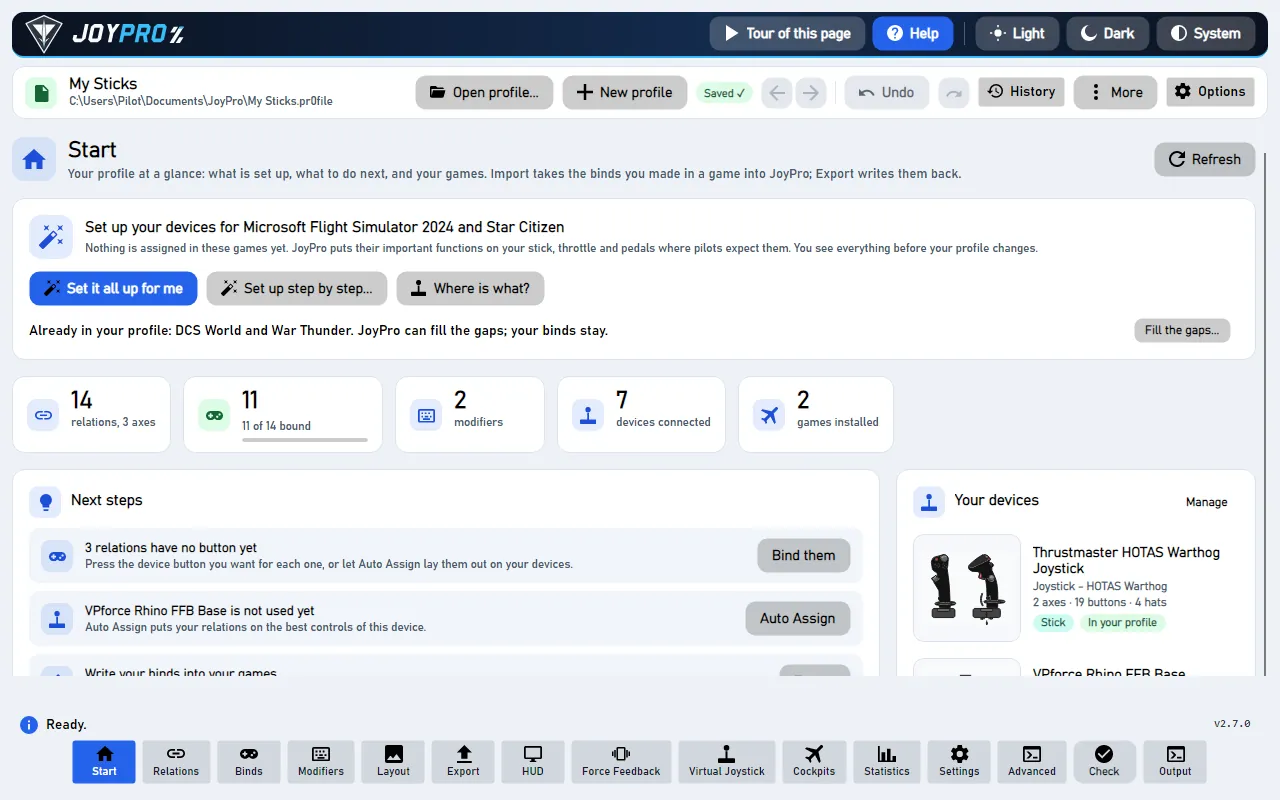
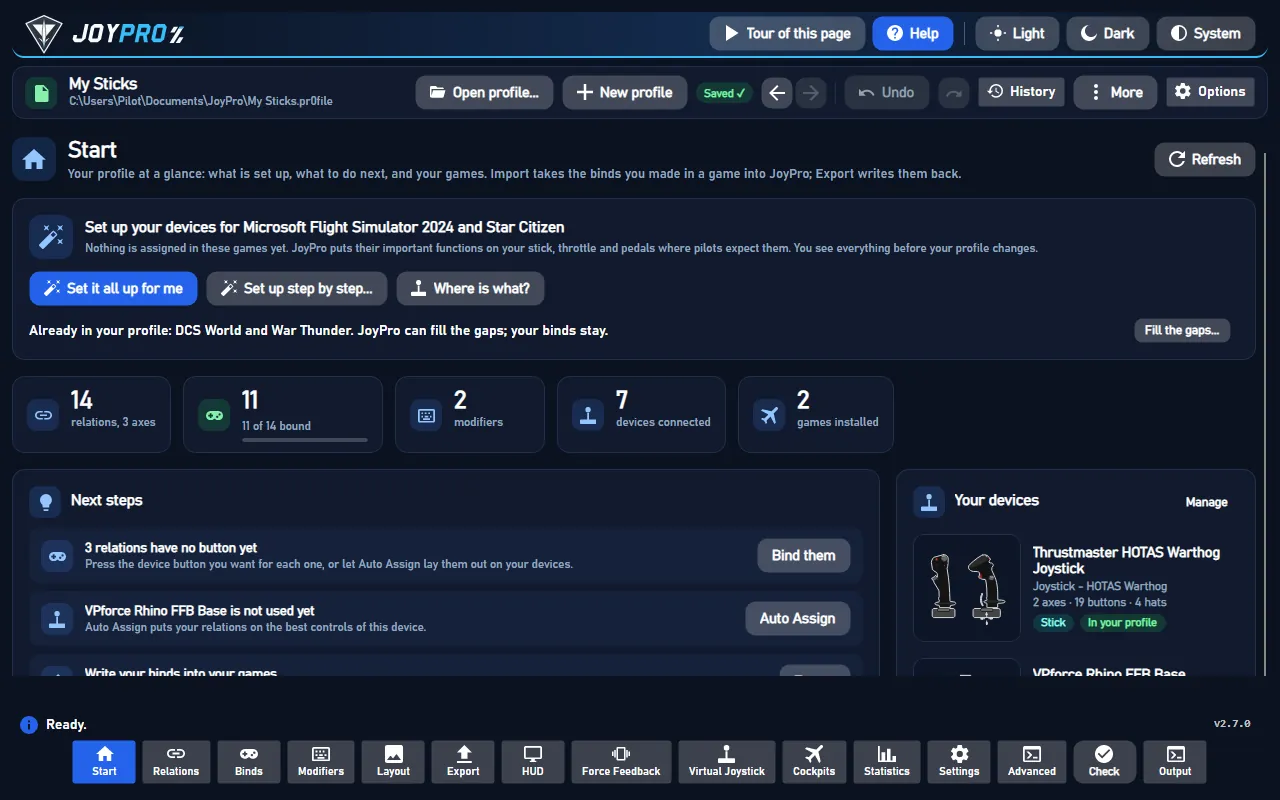
- Open Start. The X-Plane 12 (or X-Plane 11) card shows the game's picture. If it asks for a command list, press
Build List: JoyPro reads the installed X-Plane's
Resources\plugins\Commands.txt. - Press Import on the card and choose Add to my profile (X-Plane has no keyboard binds in this file).
- Press Import now. See my relations opens what came in.
#Build and check relations
On the Relations page the X-Plane command or axis of a relation sits next to the same function in your other games. Use the relations flow to join them, then press Check now on the Export page (the Check).
#Export to X-Plane
- Close X-Plane. It rewrites its preferences when the settings window closes and when it quits. Both versions run
as
X-Plane.exe, so JoyPro refuses while either runs. - Open Export. Each installed version has its own card.
- Keep Replace on my devices with Also clear my other devices if JoyPro is where you set up your devices. Press Export now on the card.
Start X-Plane and open Settings > Joystick, then pick your device. Every axis shows the use JoyPro wrote, buttons show their commands, and Edit Response Curve on an axis shows the stops and the interpolation JoyPro wrote.
#What you do yourself in X-Plane
- Start X-Plane once with your devices connected, then quit it. A version that was never started has no preferences file yet. The very first start flies the tutorial, and X-Plane writes its joystick preferences when it quits.
- Calibrate in X-Plane. Calibration and the null zone stay X-Plane's (Settings > Joystick); JoyPro never writes them.
- Plugin and aircraft commands are not in JoyPro's list: bind those in X-Plane, JoyPro leaves them alone.
#Common pitfalls
- An axis does nothing ("Multiple axes assigned to yaw"): X-Plane ignores a use that two connected axes share. The export warns; Also clear my other devices or Replace clears the other axis.
- The throttle runs backwards: X-Plane reverses throttle axes by itself. JoyPro writes your invert unchanged, so leave invert off unless your lever really runs the other way.
- A curve you made in X-Plane changed: in Update modes and Only add it stays when JoyPro's tuning is linear (with a warning); "my profile wins" and Replace write JoyPro's curve.
#Files JoyPro reads and writes
| File | What it is |
|---|---|
<install>\Output\preferences\X-Plane Joystick Settings.prf |
the current assignments of all devices (line based) |
<install>\Output\preferences\control profiles\<Name> - Joysticks.prf |
saved control profiles, same format |
<file>.joypro.json, <file>.joypro-meta.json |
the inputs and curves JoyPro wrote; names, groups and tuning for the next import |
%LOCALAPPDATA%\x-plane_install_12.txt / _11.txt |
where X-Plane's installer lists its installs (read only) |
X-Plane Keys.prf (keyboard) is never touched. A version installed by Steam and never started is found in its Steam
folder. Another folder is set in Settings > Games.
#The export modes in X-Plane
| Mode | What happens in X-Plane |
|---|---|
| Only add | Free inputs only. A bind on an input with another use or command is not written and is listed; an axis use X-Plane has on another axis stays there (warning). |
| Update, keep the game's binds | Replaces the other use or command on your input and keeps everything else; an axis use moves (X-Plane ignores a use two axes share). |
| Update, my profile wins | Also releases the other axes and buttons of connected devices that hold a use or command you bind, with their curves. |
| Replace on my devices | Also releases every other flight axis and command on the devices you write. |
| + Also clear my other devices | The connected devices you do not write lose their flight uses and commands. |
#What is never touched
- Slots of devices that are not connected, the import's ignored devices and the vJoy device JoyPro tunnels into.
- View, camera, VR and custom-command axes, plugin and aircraft commands, the keyboard.
- Calibration keys (
_joy_center,_joy_null, raw calibration data),_eq_pfc_*and every other line.
#Curves and settings
- Granularity: one file for all aircraft (X-Plane can link aircraft to control profiles; JoyPro writes the files it finds).
- Response curves (axis model
xplane): any number of stops with LINEAR, CATMULL_ROM or CUBIC_AVG, and the fixed ranges of throttle, prop and mixture axes (beta, feather, cutoff, FADEC ...). The Default curve becomes stops; an unchanged curve keeps its bytes. Tuning can be set for one version or for both (family:xplane). - Reverse:
_joy_rev_axis, your invert unchanged (X-Plane reverses throttles by itself). - Game settings (Settings > Force feedback settings of the games): control response of pitch, roll and yaw; X-Plane 12 also the copilot axes and "control-loaded axes" for force feedback sticks; X-Plane 11 the stability augmentation; both the flap detents. Only lines the file already has are changed.
- Force feedback: X-Plane has none of its own; only the control-loaded switch.
- Telemetry recording: from X-Plane's UDP data output (port 49000), with position, so a Tacview track is possible.
- Watcher: changes in the preferences are noticed after X-Plane closes (the watcher).
#Inside the X-Plane integration
flowchart LR
  P["Your profile<br/>(relations + binds)"] --> E["engine xplane12 export<br/>(or xplane11)"]
  D["Device slots<br/>VID:PID + HID path"] --> E
  E --> J["Output / preferences /<br/>X-Plane Joystick Settings.prf"]
  E --> C["control profiles /<br/>Name - Joysticks.prf"]
  J --> G["X-Plane: Settings > Joystick"]
  C --> G
Code: engine\Games\XPlaneIntegration.cs (one instance per version), engine\Games\XPlanePrf.cs,
engine\AxisModels\XPlane.cs, engine\FfbModels\XPlane.cs, engine\Games\LegacyGameIds.cs (profiles from before
the split into two versions are migrated when loaded).
- Lines:
_joy_AXIS_use<i>(use code),_joy_rev_axis<i>,_joy_BUTN_use<i>(command path,sim/none/none= free),axis_response_curve<i>. Global indices: axis = slot × 25 + axis, button = slot × 160 + button. - Devices: slots
_joy_unique_id<slot> VID:<dec>PID:<dec>; with identical devices the DirectInput HID interface path must equal_joy_location<slot>. Buttons are the device's buttons, then the first hat as 8 buttons clockwise from up; other hats are not mapped. Reads 160 buttons and 25 axes per device. - Use codes: 0 to 66 in both versions; X-Plane 12 adds throttle 9, copilot pitch/roll/yaw/brakes/tiller and both wheel brakes. Codes 74 to 77 and the view axes are not cataloged.
- Command list:
engine xplane12 refresh-db/engine xplane11 refresh-db: the version's axis table plus the flight command groups ofCommands.txt(sim/flight_controls,engines,autopilot,lights...; notsim/view,operation,replay...). - Import / export:
engine xplane12 import,engine xplane12 scan,engine xplane12 export(--mode,--nuke-untouched-devices,--dry-run), the same forengine xplane11 export. Backup to.jpbakfirst. - Settings and curves:
engine ffb set--game XPlane12,engine binds tuning set--scope game:XPlane12 --curve-points 0:0,0.4:0.3,1:1,engine binds tuning preview(measured in X-Plane 12.4.3 within 0.0001).
#Known limits
- The meaning of use codes 74 to 77; the HID versus DirectInput axis order is inferred.
- X-Plane's Control Sensitivity without a curve is not in the preview.
- X-Plane 11 is checked against its installed files only; the in-game menu check is pending.
- Tests:
engine\tests\smoke\xplane.ps1; in the game (X-Plane 12) binds and response curves passed 33 of 33 steps;tools\e2e\games\XPlaneCurves.ps1sweeps every axis against JoyPro's preview.
All technical notes on this game (generated from the repository): xplane.md.