
JoyPro's setup asks one big question: Where should functions go? A slider gives the answer. It runs between two ends.
| Left end | Right end |
|---|---|
| Same button for the same job in every aircraft | Where the real aircraft has it |
| Gear is on the same button in every plane. | Each button does what the real plane's button there does. |
| Easy to learn. Good when you fly many aircraft. | Feels like the real cockpit. Good for one favourite aircraft. |
For beginners
#Set it
- On the Start page, press Set up step by step.... No such button? Press Set up my devices automatically... under Your games.
- Go to the third step, Priorities.
- Move the slider Where should functions go?.
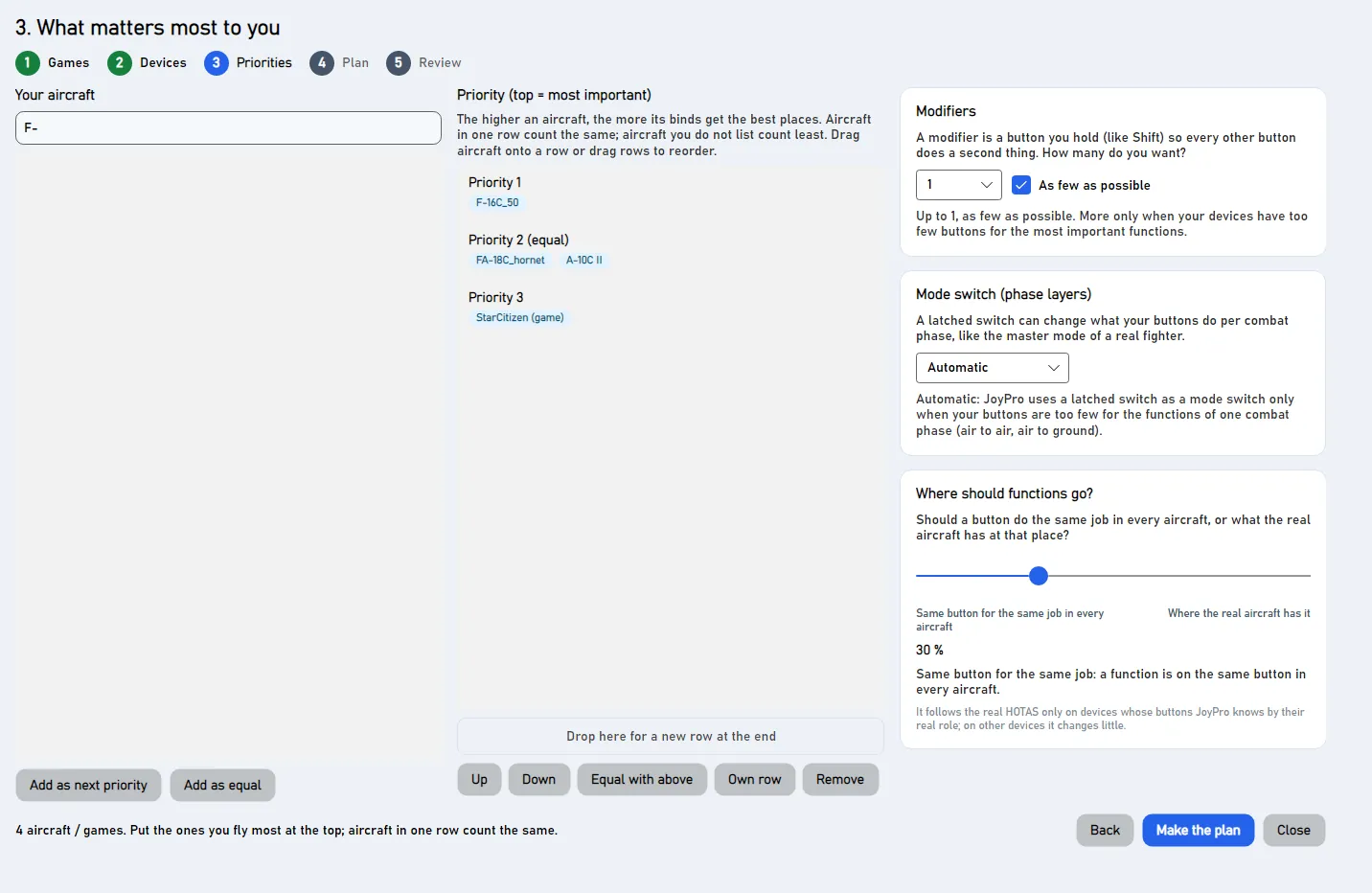
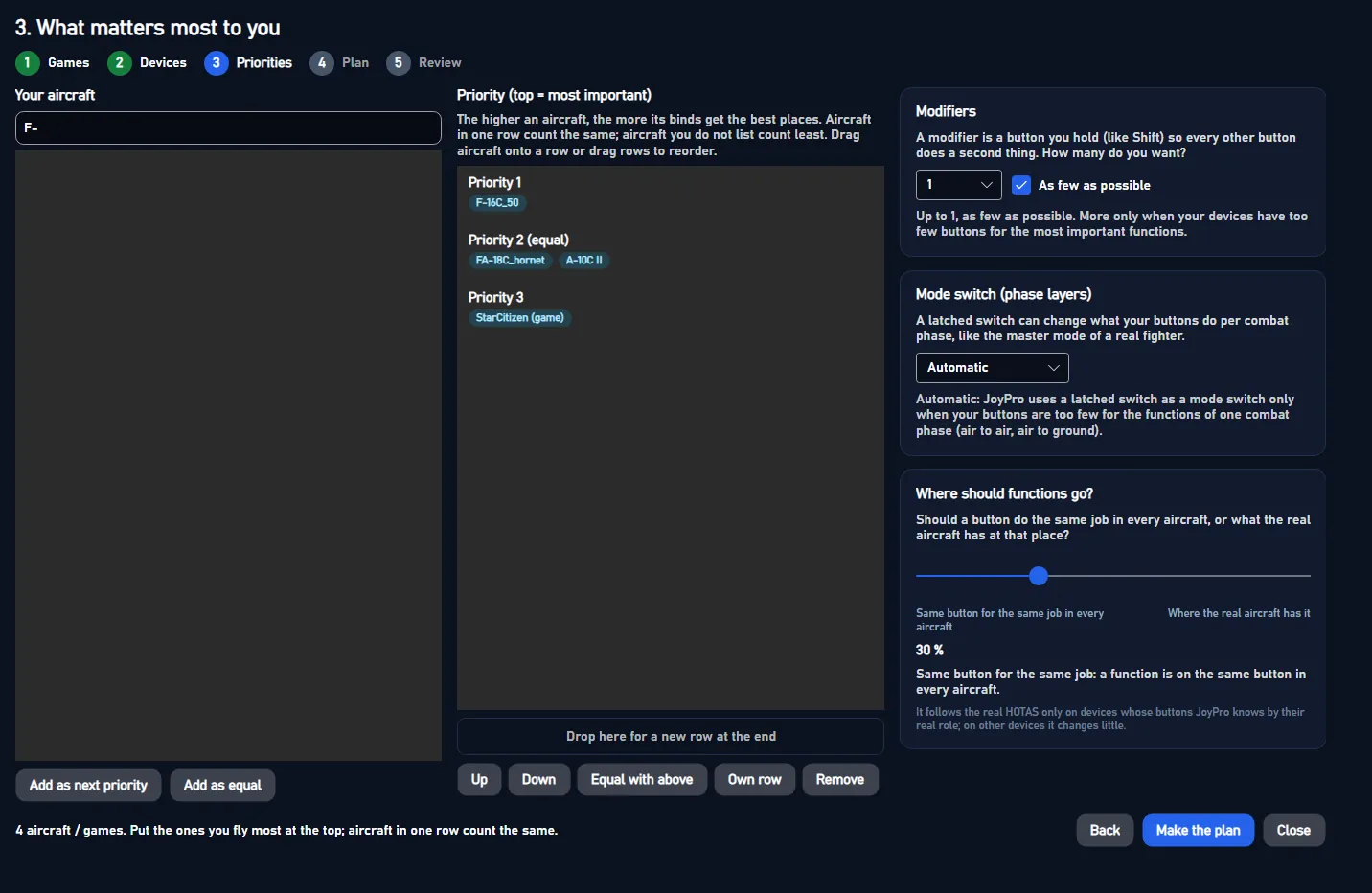
The slider starts in the middle. In the picture it was moved a bit to the left. The text under the slider says what your choice means.
The gun and the throttle never move
The slider never takes the gun off the trigger. It never takes the throttle off its lever.
The quick setup (Set it all up for me) uses your last choice. It does not ask again.
Advanced
#Details
- Left of the middle: one relation per function for all aircraft.
- From the middle on: aircraft whose real stick has the function elsewhere get their own relation. The further right, the stronger the real position pulls.
- Which devices it knows: "Where the real aircraft has it" knows which hat of a T.16000M, TWCS, X56, X52 Pro, MongoosT CM3, STECS, T.Flight and the WinWing grips stands in for the real trim hat, TMS, DMS, CMS, speed brake, boat switch or coolie. On devices JoyPro does not know that well, it changes little. The wizard says so.
- Before 2.7.0 the slider was called "Like the real aircraft?".
Technical internals
#Behind the slider
The slider is the plan's placement, 0 to 100 (default 50): engine setup plan --placement (old name --realism).
It is kept in the settings and used by every later setup. Reference: Setup wizard.